

Motorcycle Support Hub
Master firmware resources, technical manuals, and upgrade tools for Aoocci Motorcycle gear.
Generic Firmware Upgrade Guide
Standard procedures for most Aoocci motorcycle smart displays and dash cams. Watch this if you're upgrading for the first time.
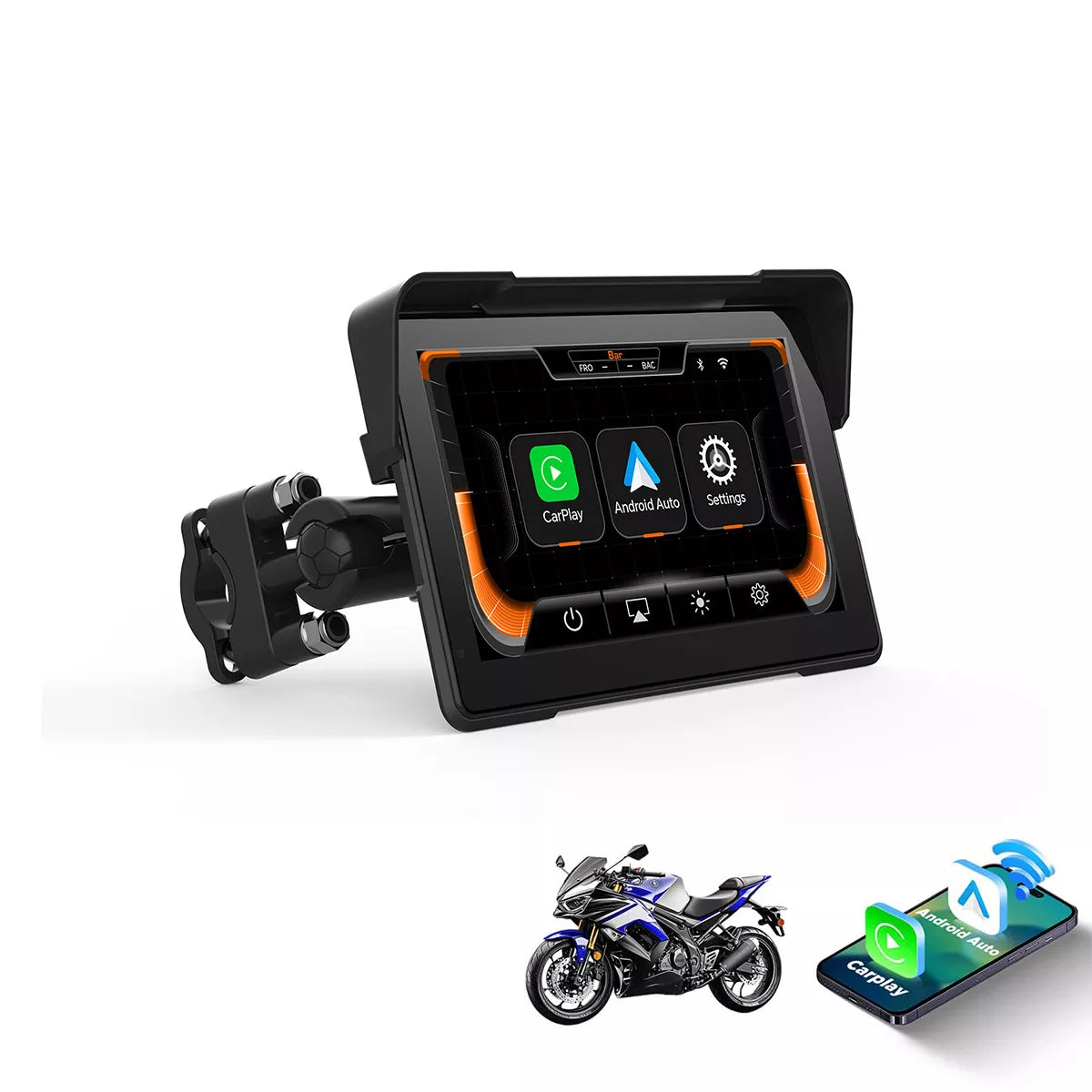
C7 Smart Display
Installation Guide & Tools
Tools Required: PhoenixCard Software
How to Upgrade:
- Extract the firmware file (usually a .zip or .rar file) to find the
.imgfirmware. - Use PhoenixCard to burn the
.imgfile to your SD card (select "Product" mode). - Insert the SD card into the C7 device and power it on. The update will proceed automatically.
Changelog: Fixed Bluetooth connectivity issues.


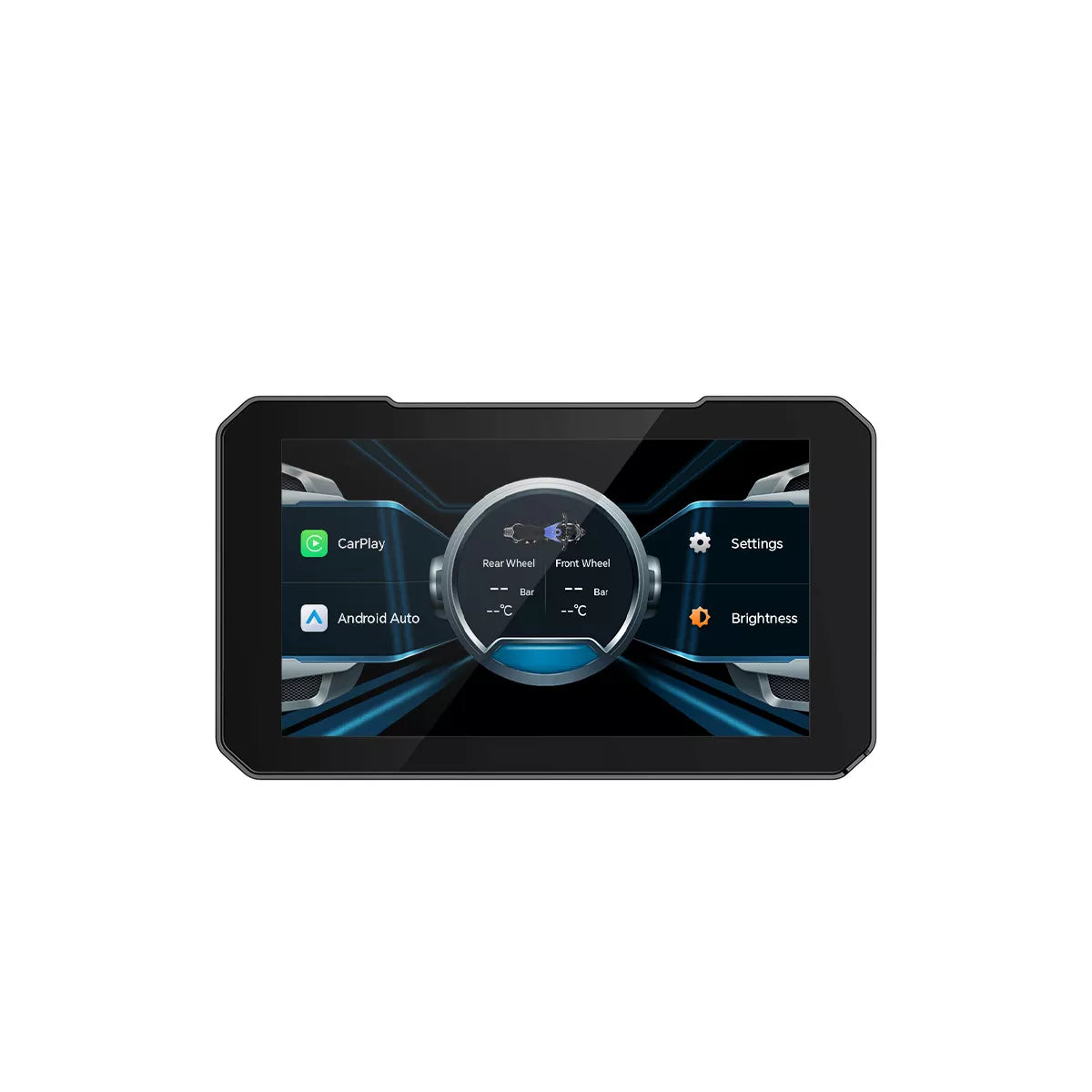
C3 Pro
Installation Guide & Tools
Tools: Burning Software (PhoenixCard)
Follow the standard PhoenixCard burning procedure. Insert the card and power on the device to start the automatic update.
C3 Plus
Guide & Tools
Download Burning Tool (PhoenixCard)
Use PhoenixCard to prepare the firmware on your SD card. Insert into the device and power on.

C4 Dashcam
Upgrade Instructions
How to Upgrade:
- Format the TF card on the machine (dash cam) first.
- Record a short video, then remove the card and insert it into a PC.
- Copy the upgrade files directly to the root directory of the TF card.
- With the machine OFF, insert the TF card.
- Power on the machine (connect it to a 12V power source). Two indicator lights will stay on while updating.
- Wait for the update to finish. The machine will restart automatically and play a startup sound.
- Important: Delete the upgrade files or format the card again after the update is complete.
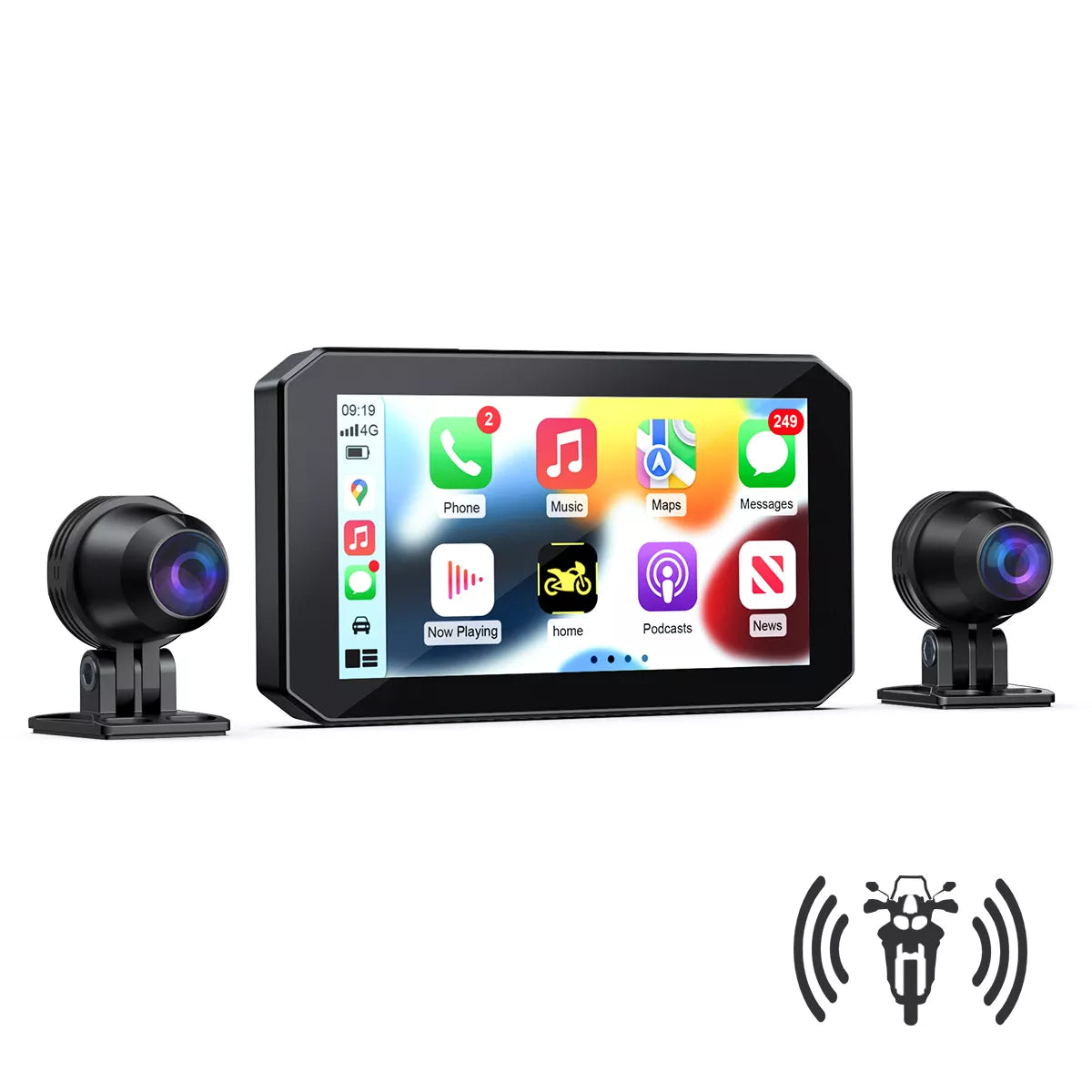
BX GPS Dashcam
Guide & OTA Instructions
Changelog: Optimized GPS tracks, Added 5.5h timezone support.
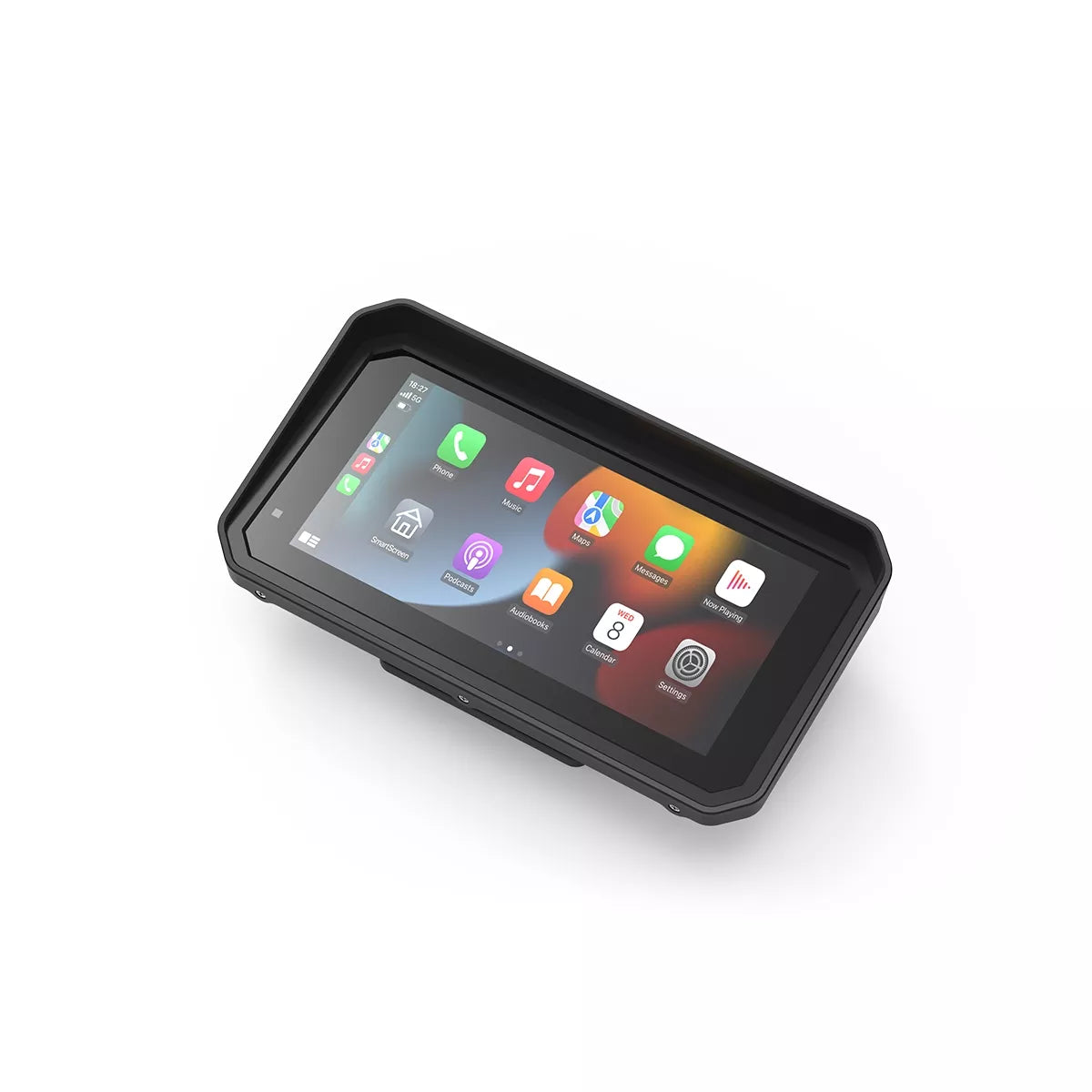
BM6 Premium
⚠️ Important Warning
Batch V2.0 firmware is in touch screen failure.
Files:
BM7 Premium
⚠️ Important Warning
Batch V2.0 firmware is strictly for devices that shipped with V2.0 firmware. Updating a V1.0 hardware with this file will result in touch screen failure.
Downloadable Files:

C6 Pro
Guide & Tools
Download Burning Tool (PhoenixCard)
Latest Changelog: Removed Traditional Chinese, added Portuguese language support (V20260319).
Previous Notes: Enhanced Italian language; Date format updated to D-M-Y; iOS 18 connectivity fix.

U6 / U7 Adapter
How to Update?
- Connect your device to Wi-Fi.
- Go to System Settings > Version.
- Click Check for Updates.
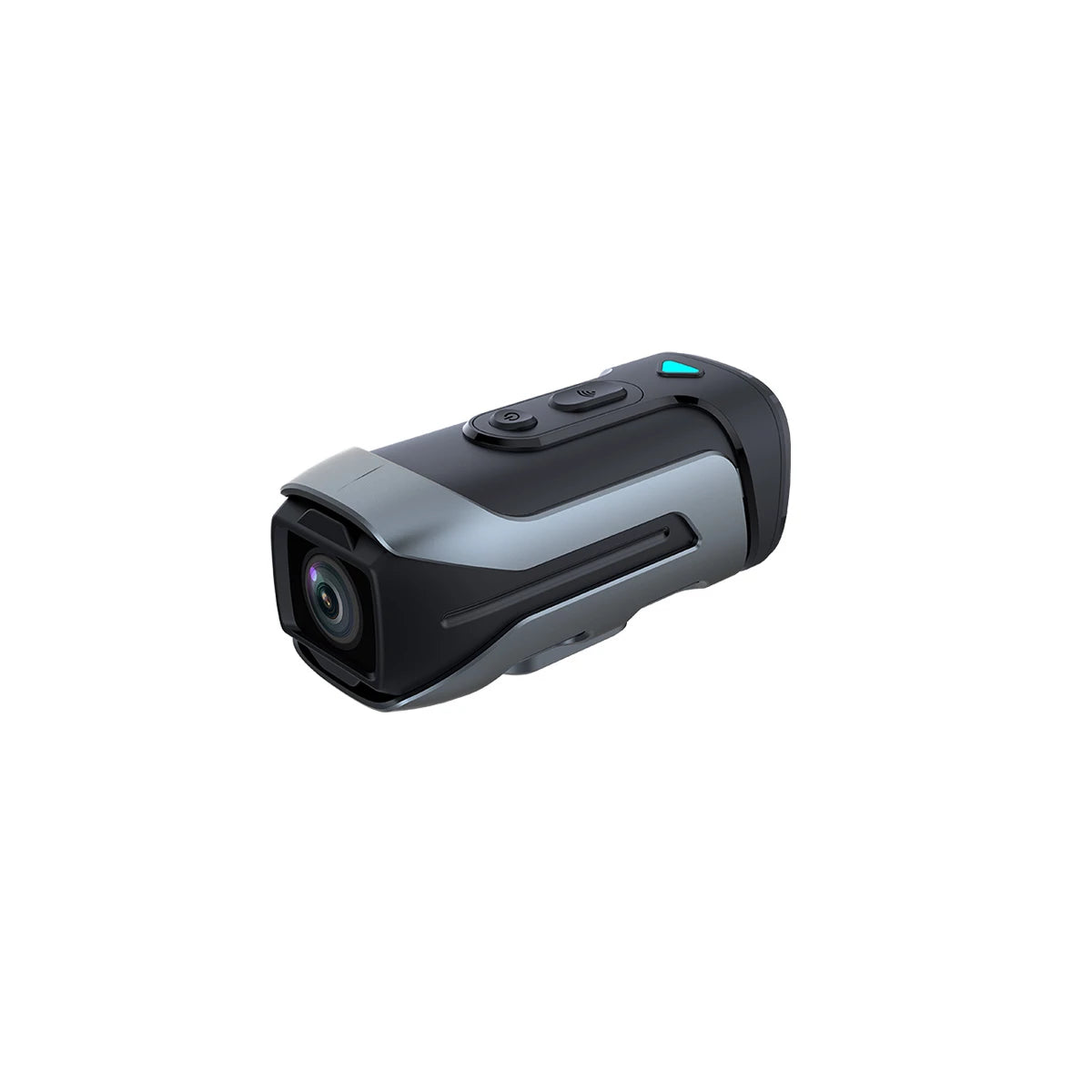
R2 4K Dashcam
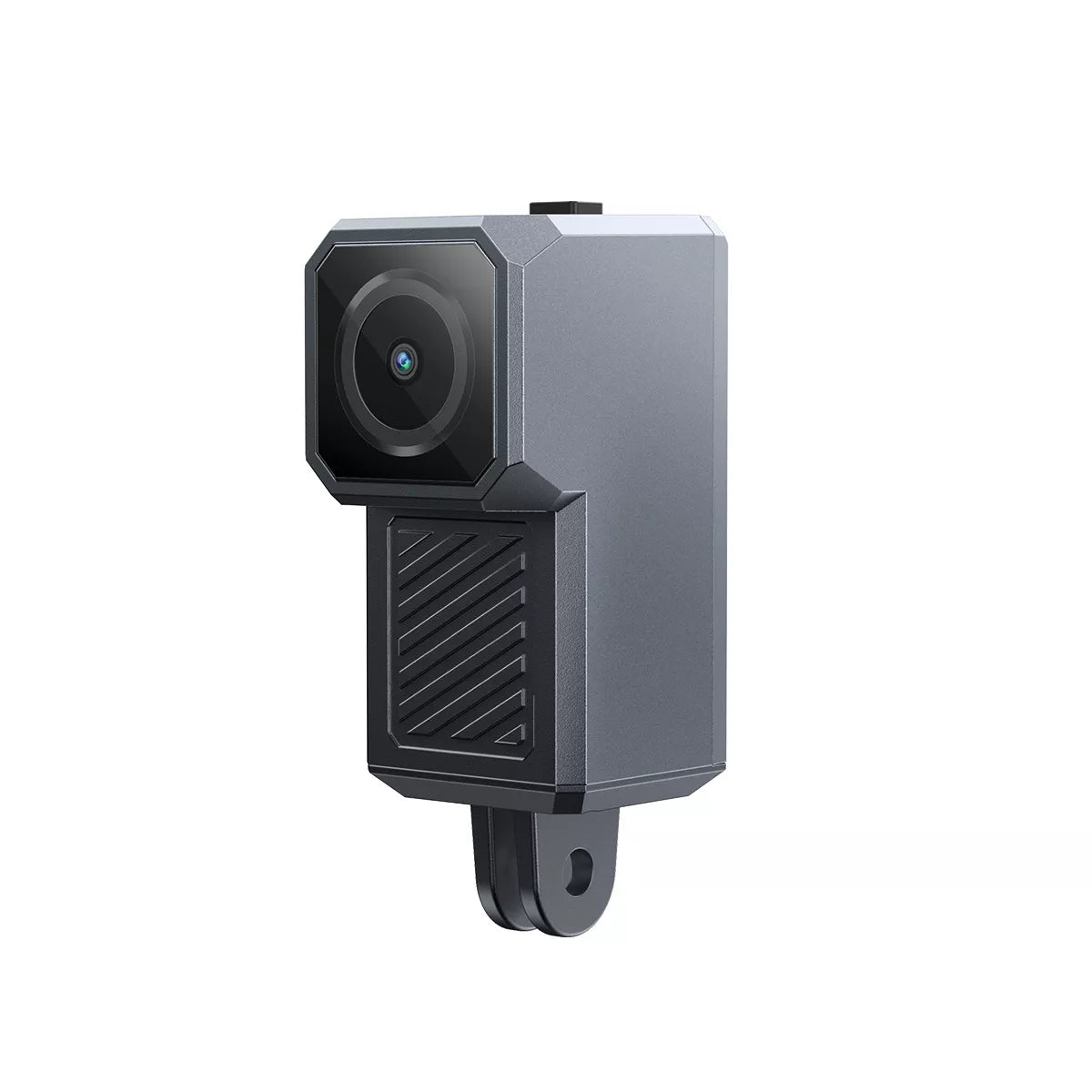
R1 (2K Edition)
Installation Guide & Release Notes
Guide: Upgrade Instructions Verbatim
- Added front camera inverted installation option.
- Added "R1" text watermark to video recordings.
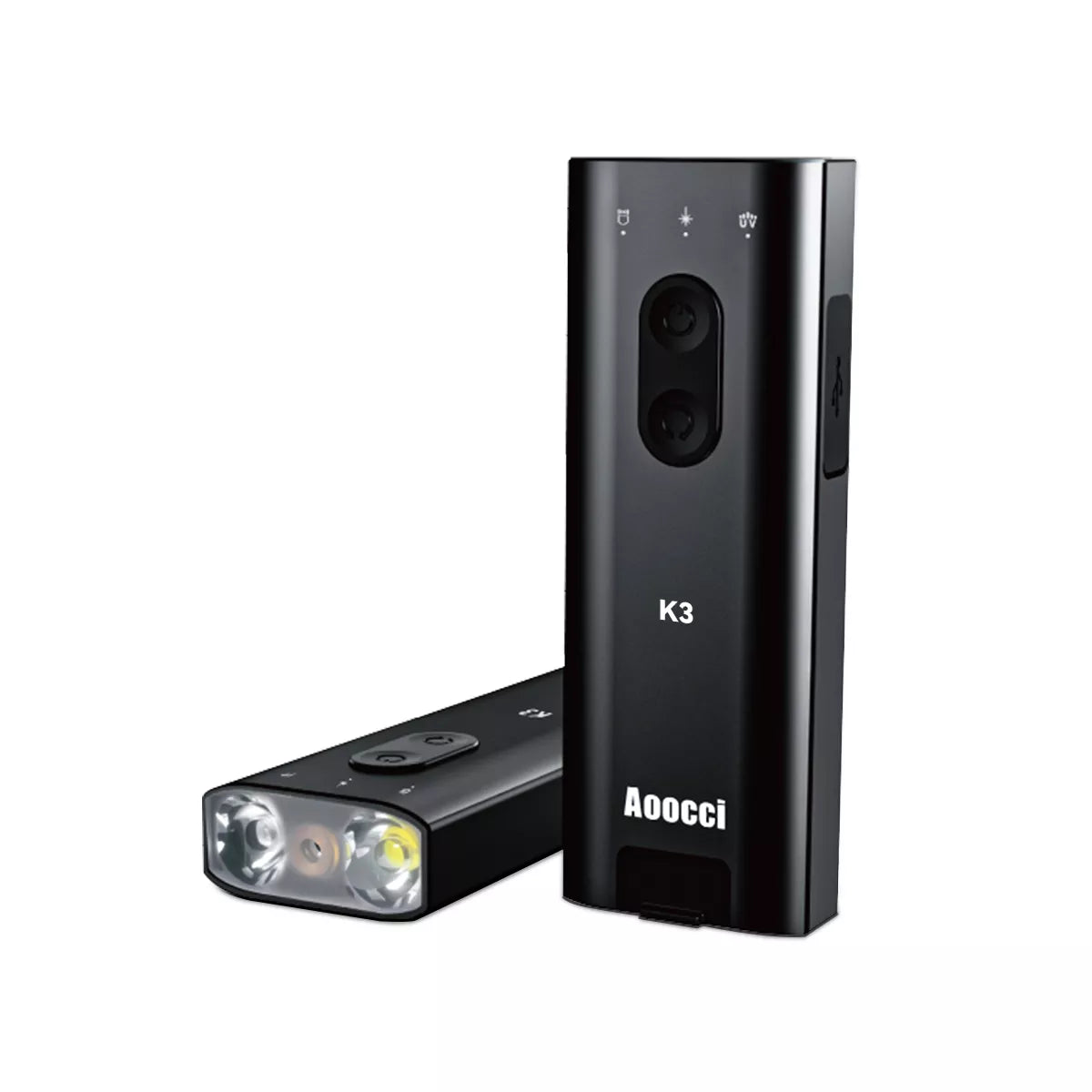
K3 Intelligent Flashlight
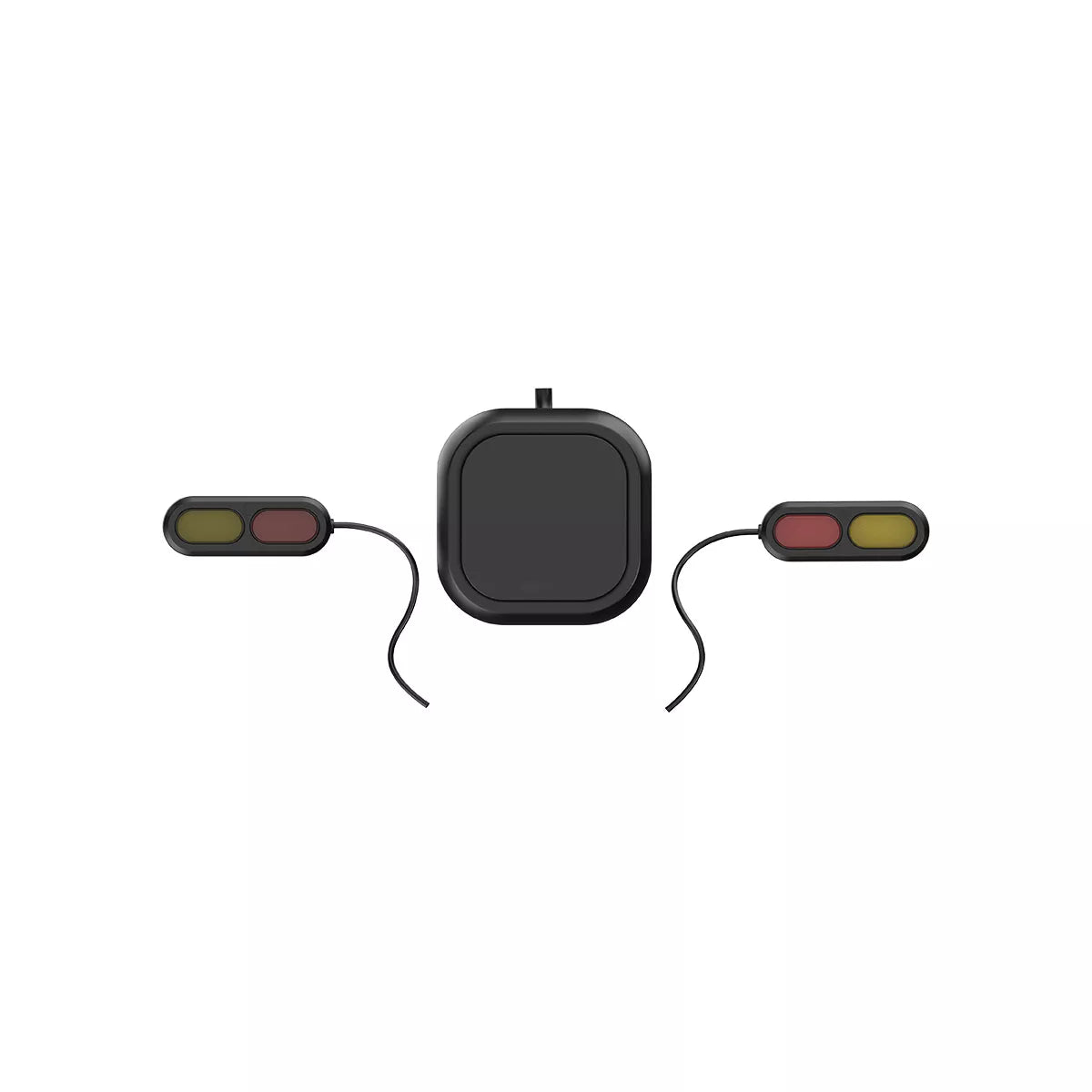
Microwave Radar BSD
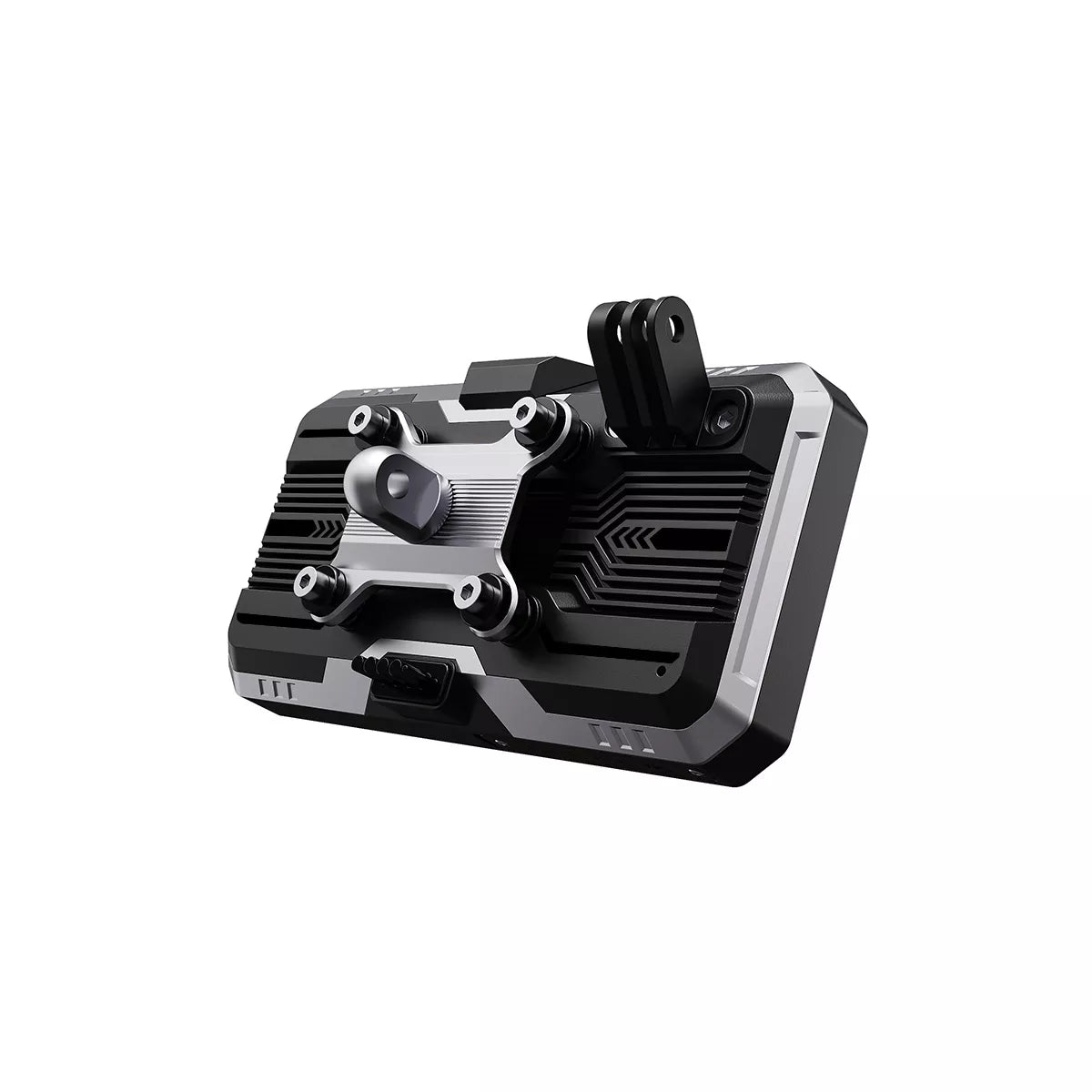
C9 Pro Max / C9 Pro
Installation Guide & Tools
Burning Software: PhoenixCard Tools
Follow the standard PhoenixCard recovery procedure. Preparation of the SD card requires "Product" mode. Insert and boot device to update.

BM5.5 Premium

C5 Pro Dashcam
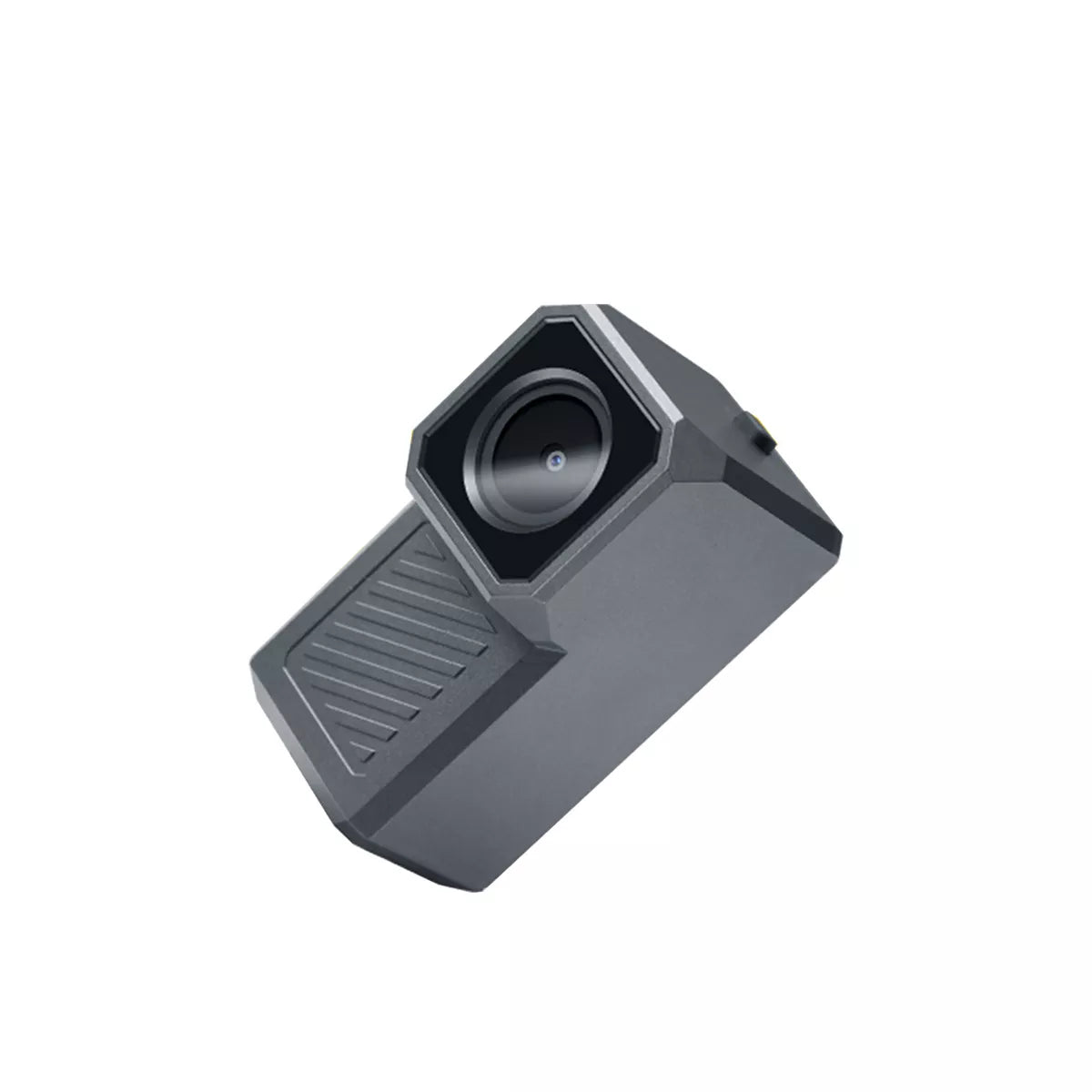
R1 (Original Edition)
Rider Support FAQ
How to connect the ACC cable correctly?
The positive (Red) and negative (Black) terminals of the step-down cable connect directly to the motorcycle's battery. The ACC cable (Yellow) must be connected to the motorcycle's ignition wire (a wire that only has power when the key is turned ON, such as the tail light or fuse box).
How to view recorded videos on my phone?
1. Go to the device settings menu.
2. Find the "App Download" QR code and scan it to install the
Motonavi App.
3. Connect your phone to the device's Wi-Fi network.
4. Open the App
to view, playback, and download videos directly to your phone.
How do I replace the wireless controller battery?
First, gently peel off the rubber anti-slip pad on the back of the remote controller. You will see the screws underneath. Remove the screws to open the back cover, and replace the button cell battery (CR2032).
The Bluetooth controller does not work?
If the controller does not respond, try re-pairing: Long press the "Ok/Rec" button (center button) on the controller while within 1 meter of the device. The light on the controller should flash rapidly, and the device will confirm pairing.
The device does not turn on after installation?
1. Use a multimeter to check if the battery voltage is above 12V.
2. Check if the ACC (Yellow) wire is
correctly getting power only when the ignition is on.
3. Inspect the fuse box on the power cable for
any blown fuses. Replace with the spare fuse if necessary.
The tire pressure monitor shows no data?
The sensors need a "wake-up" command. Ride the motorcycle for at least 5 minutes at a speed above 20km/h (12mph) to activate the internal motion sensors. If data still doesn't appear, try re-learning the sensors in the TPMS settings menu.
Which TF card should I use with my Dash Cam?
We strictly recommend using high-speed Class 10 U3 microSD cards (64GB to 128GB). Please format the card to FAT32 or exFAT directly on the device before use for the best stability.