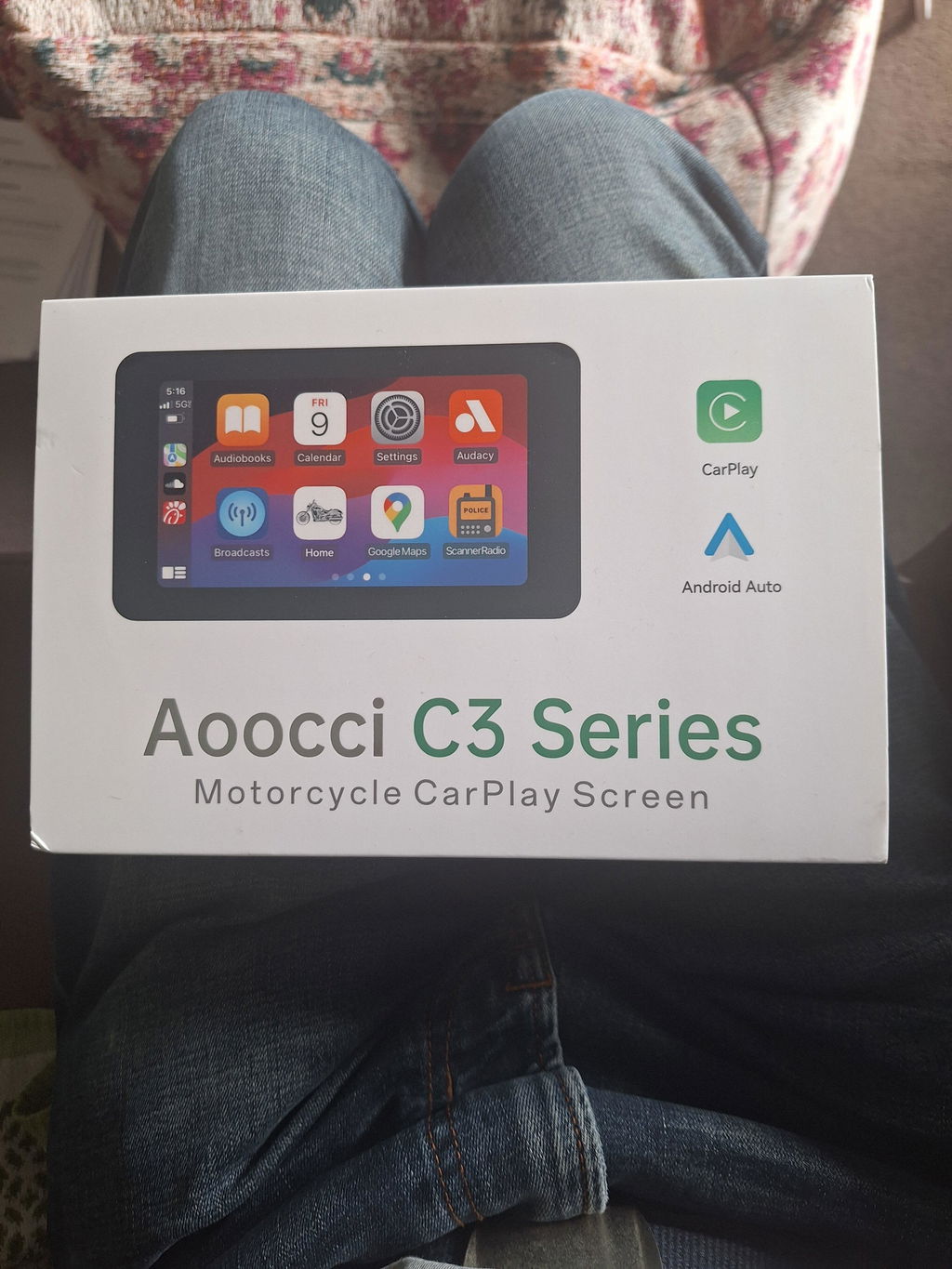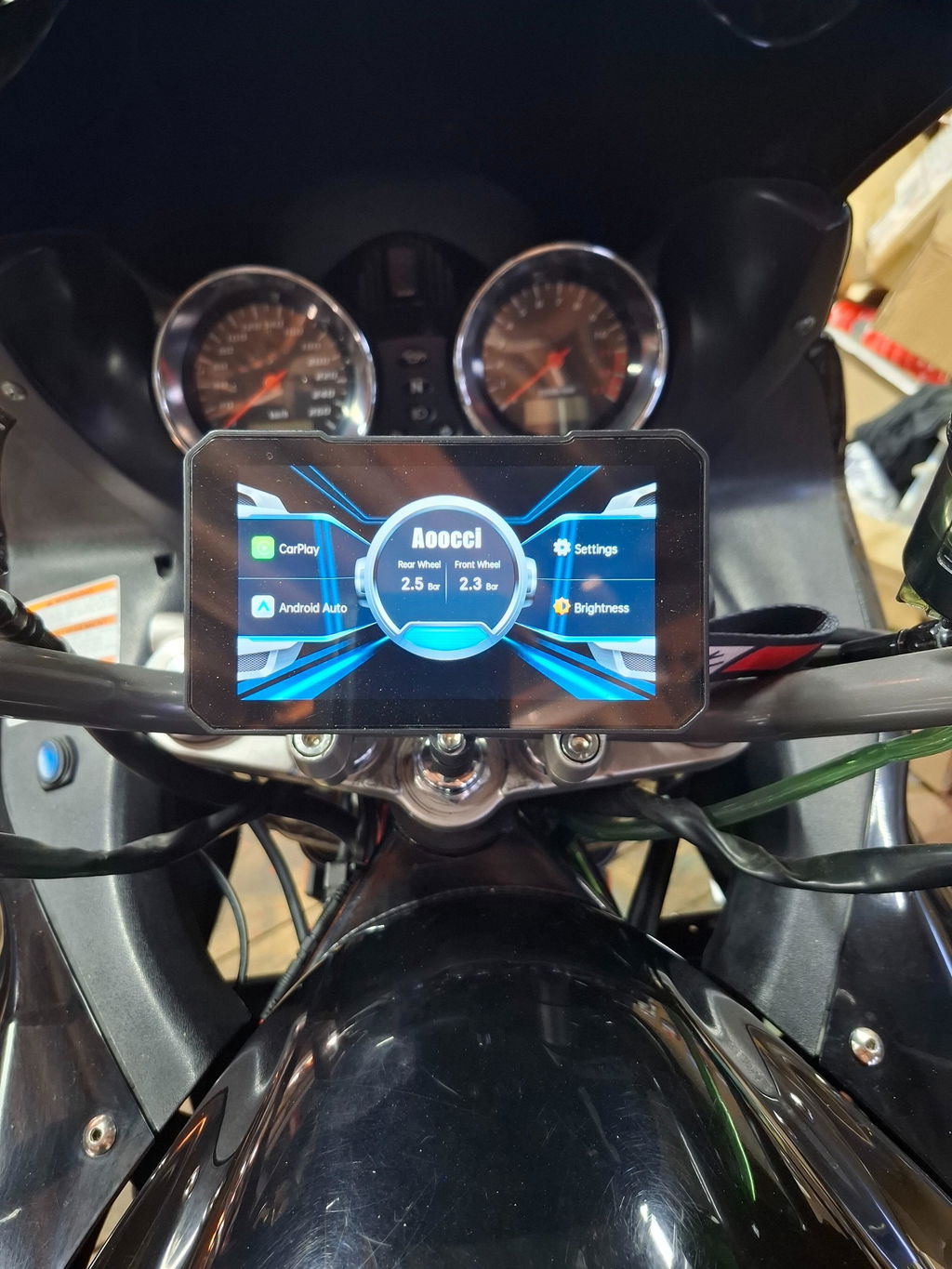


For iPhone
Wireless Apple CarPlay
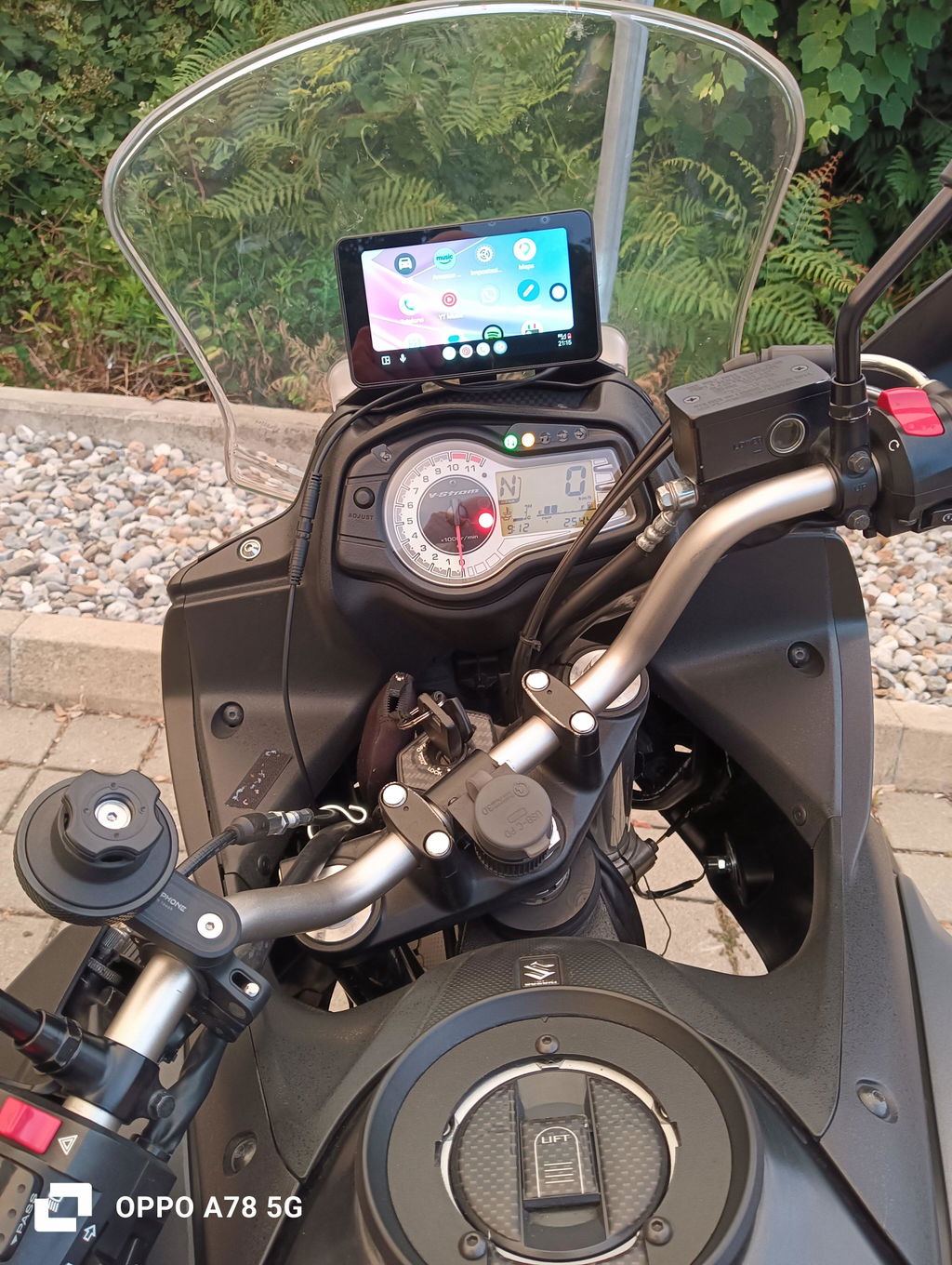
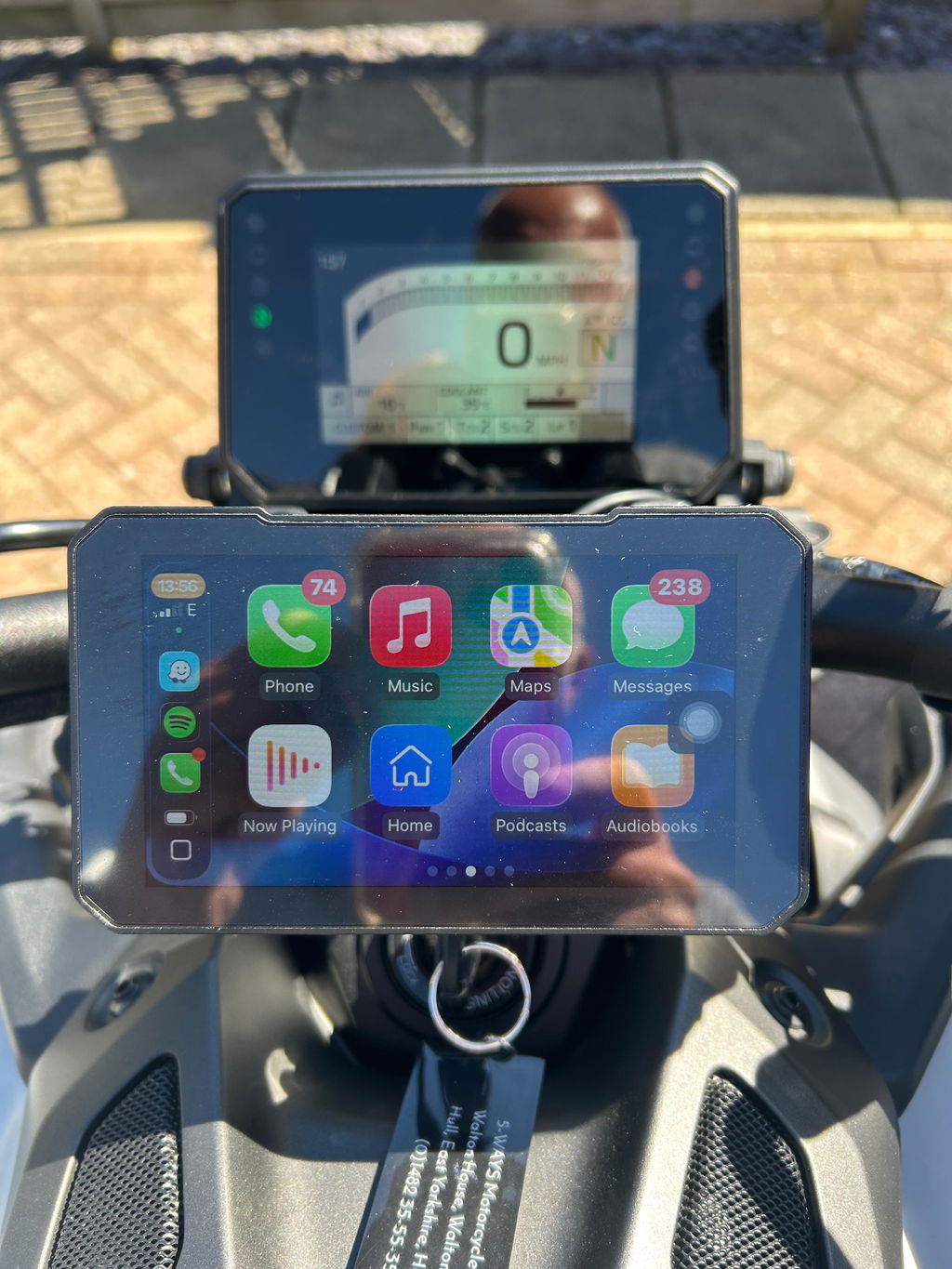
Pair a compatible iPhone once, then bring its CarPlay interface onto the C3 screen.


Subscribe to unlock 18% off—plus lifetime technical support whenever you need it.
Put wireless Apple CarPlay or Android Auto on a focused 5.0 in display, with front and rear tire information available on With TPMS variants—without turning your cockpit into a camera system.

Use the phone and apps you already know. The installation views below show an iPhone and an Android phone pairing with C3 Pro.

C3 mirrors a compatible iPhone or Android phone through wireless Apple CarPlay or Android Auto. Route guidance shown through a projected app uses the phone’s GPS.
Pair a compatible iPhone once, then bring its CarPlay interface onto the C3 screen.

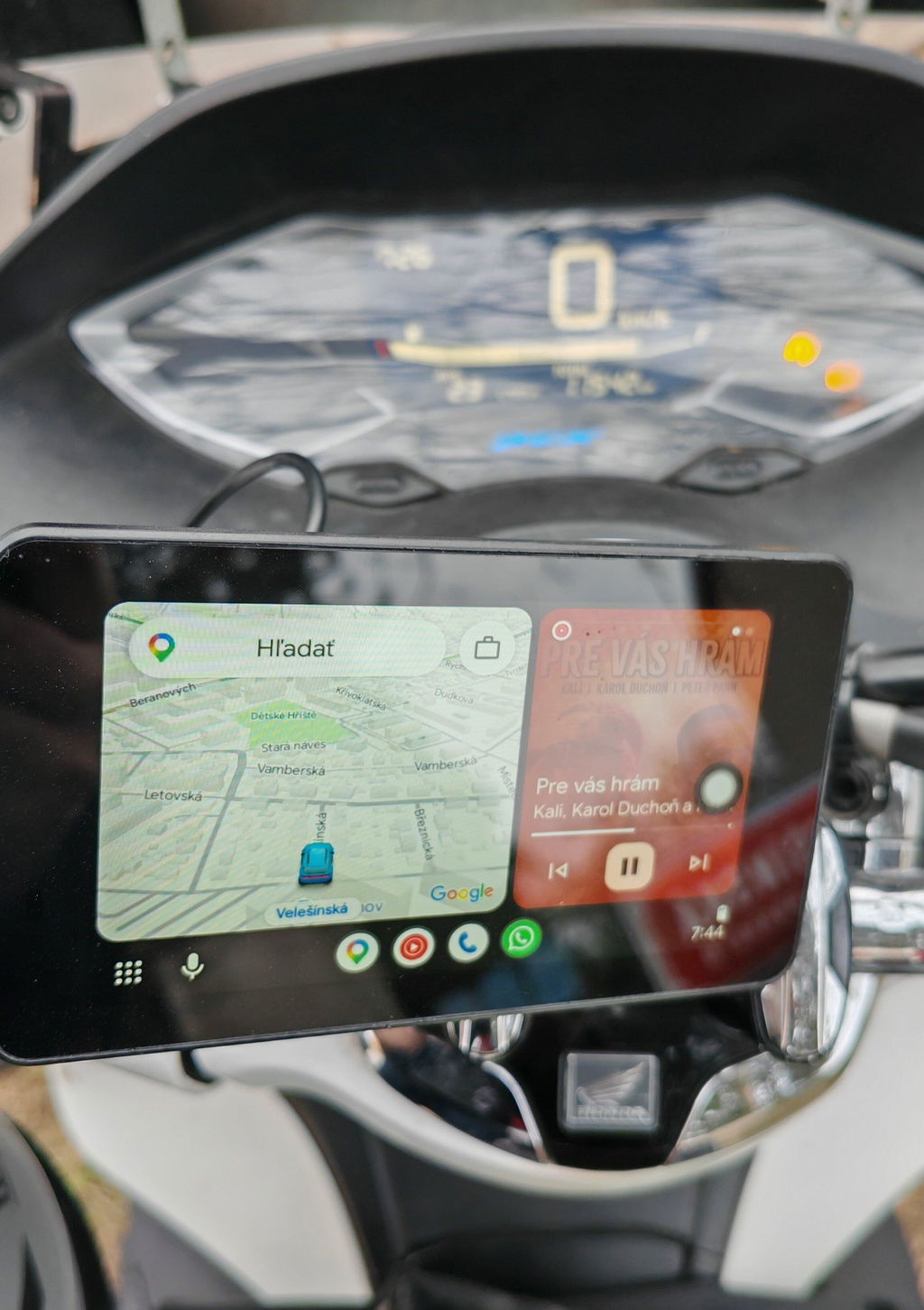
Connect a compatible Android phone and keep its Android Auto interface in easy view while you ride.
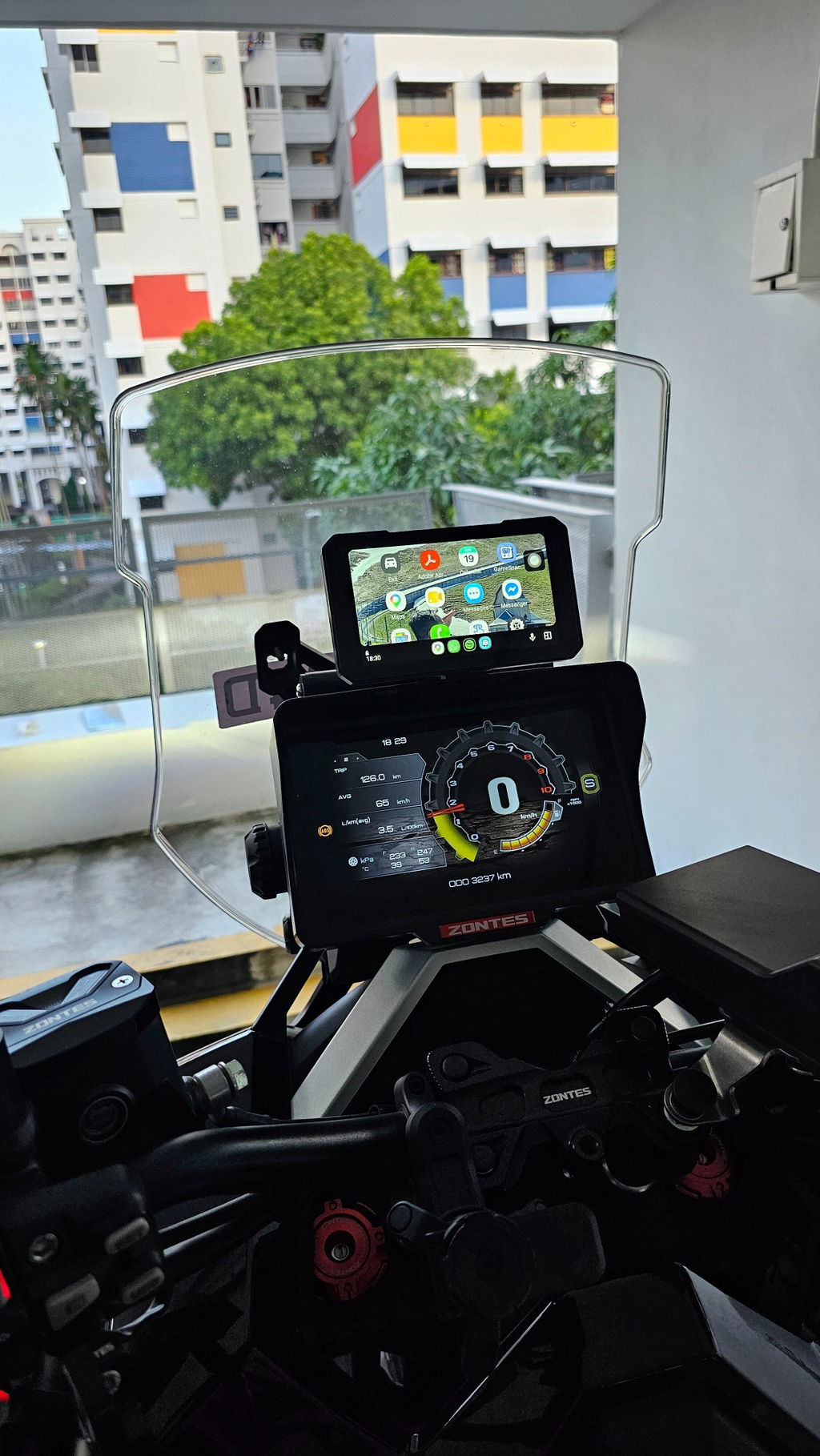
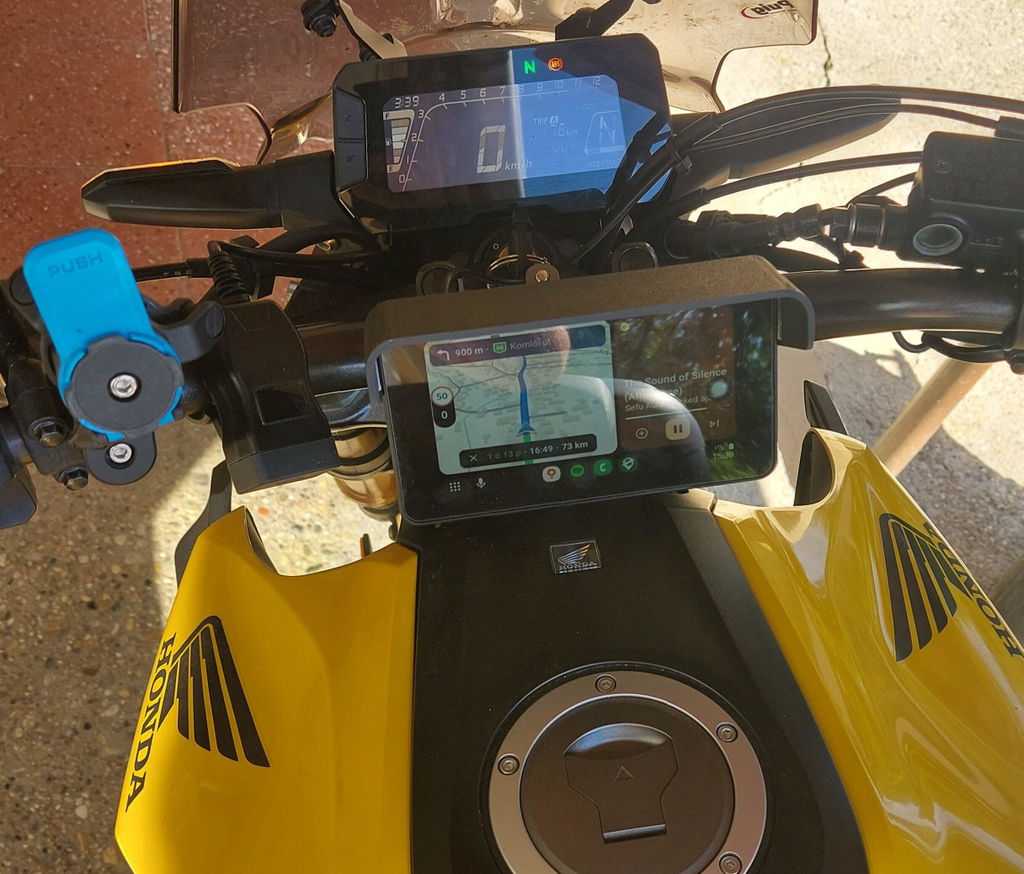
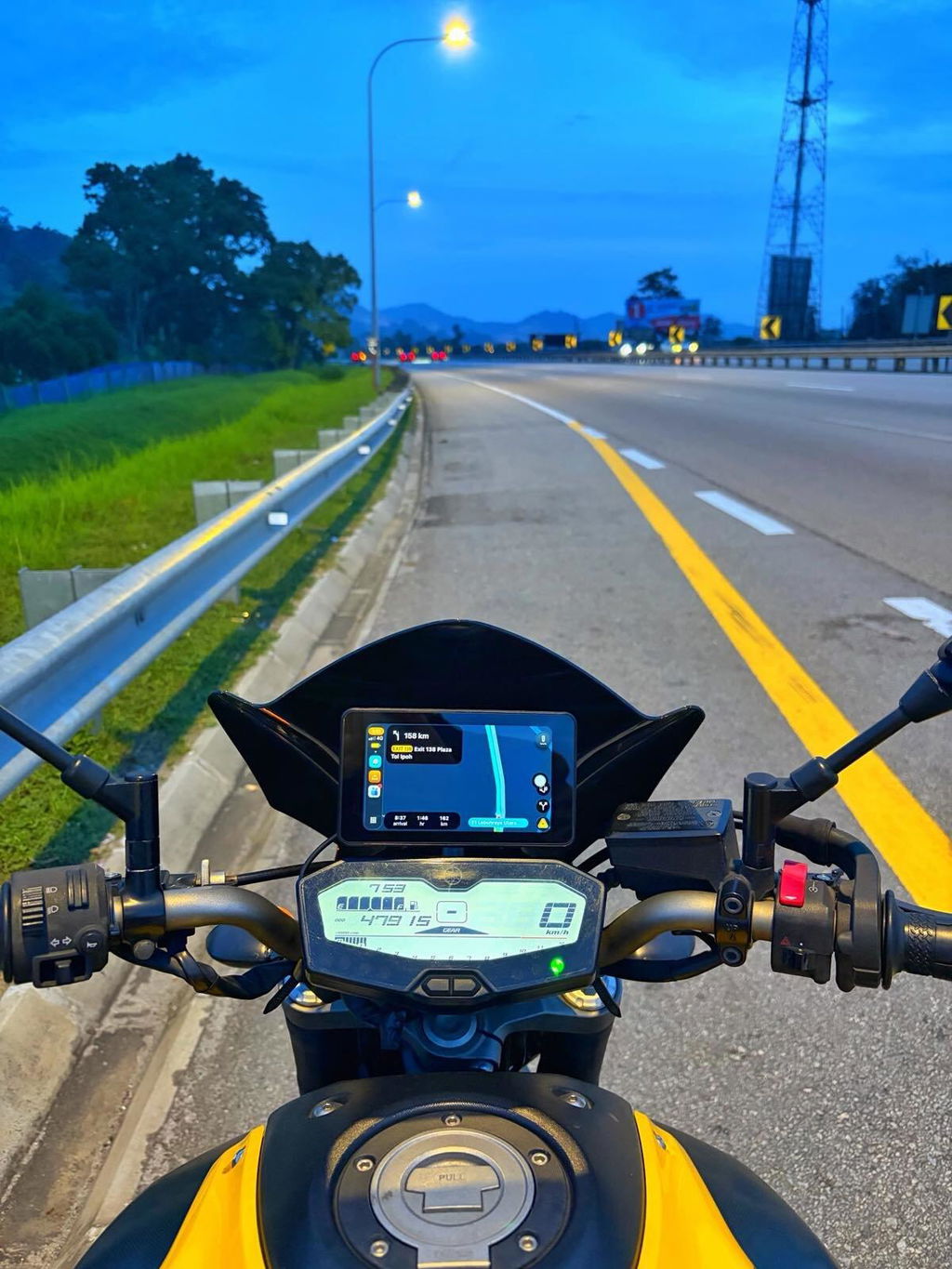
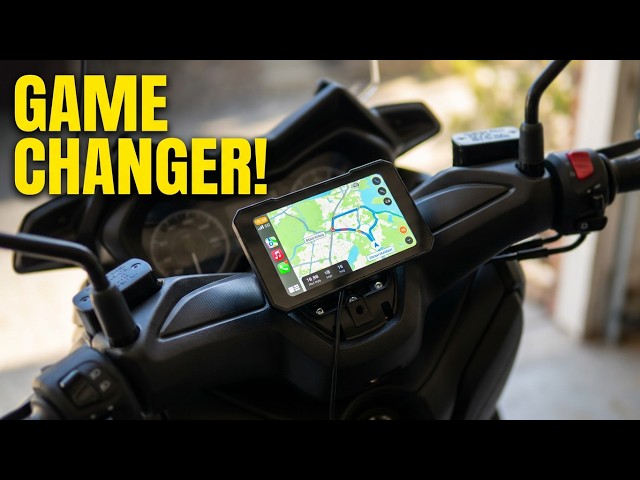
These on-bike views show how C3 Pro and C3 Plus B present the home screen, key controls, and projected navigation.

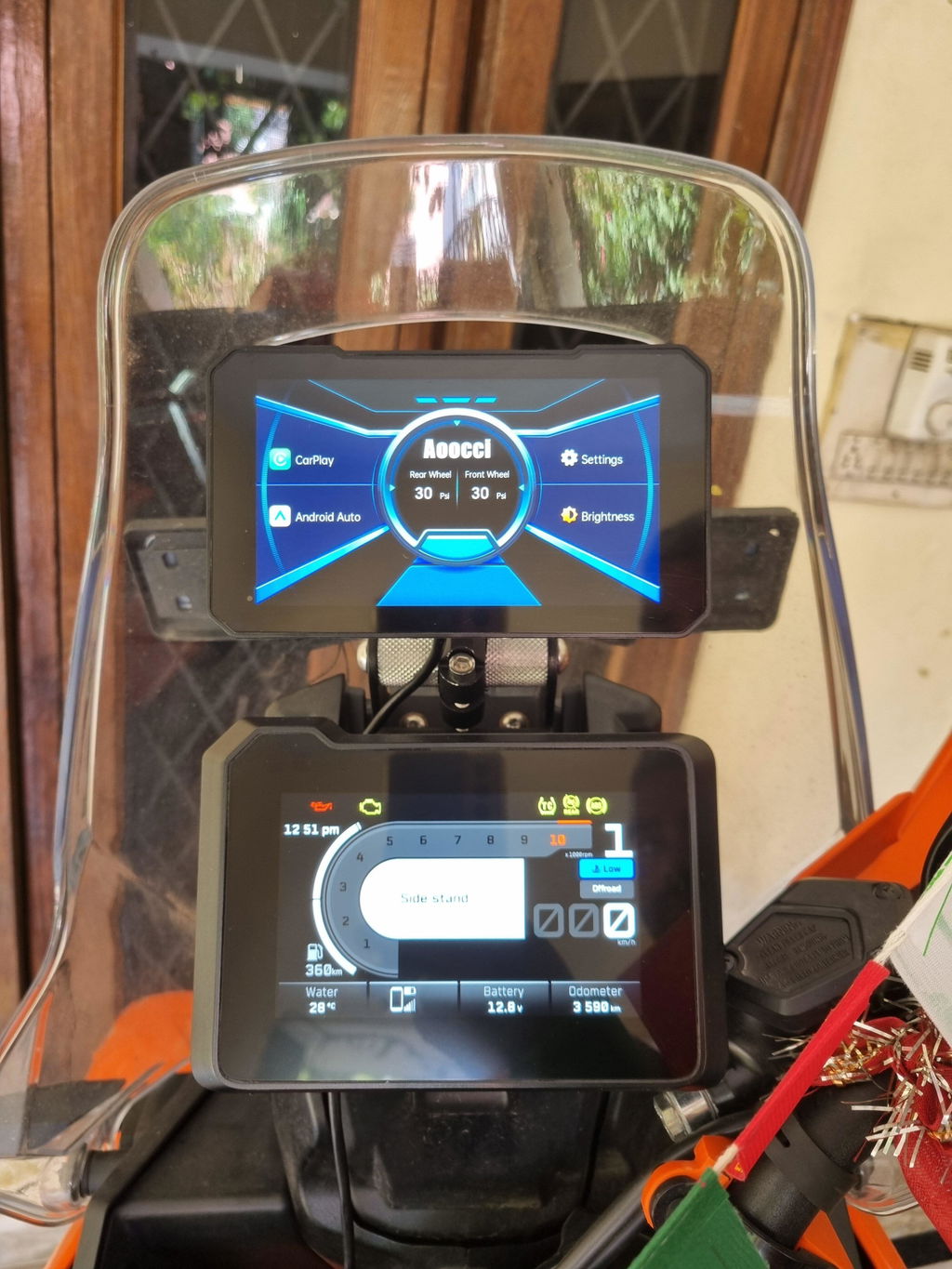
Open phone projection and settings from a compact interface positioned above the motorcycle instruments.

The installed menu view shows connection, display, language, and TPMS controls in one place.

Route guidance shown here comes from a compatible projected phone app and uses the phone’s GPS.

C3 Pro supports 2.4 GHz / 5.0 GHz Wi-Fi and Bluetooth 4.2 for wireless Apple CarPlay and Android Auto.
Both models use a compact 5.0 in, 854 × 480 display. Choose the model by published brightness, bracket design, and mounting range.

C3 Pro is published at 760 nit. C3 Plus B is published at 800 nit. Both models use an 854 × 480 display.

Keep projected maps and connection controls centered without adding a camera system to the cockpit.

The photo shows a rider touching the installed C3 Pro screen while wearing motorcycle gloves.
Choose a With TPMS variant of either model to add front and rear tire pressure and temperature to the display, with adjustable warning thresholds.

This visual applies only to With TPMS variants of C3 Pro and C3 Plus B. These configurations show front and rear tire pressure and temperature with adjustable warning settings.

Each compact external sensor installs directly on a wheel valve.

Check pressure and temperature for both tires without leaving the main riding view.

Set the pressure and temperature limits you want the display to watch.
Both models share a compact 5.0 in display, wireless phone projection, optional TPMS variants, IP67 protection, and two power options. Choose C3 Pro for a fully laminated IPS display and CNC metal bracket body; choose C3 Plus B for 800 nit brightness and a mounting range that starts at 10 mm.
Choose C3 Pro for its fully laminated 854 × 480 IPS screen and CNC metal bracket body.
Choose C3 Plus B for its 800 nit display and a mounting range that starts at 10 mm—useful when your cockpit needs a smaller clamp diameter.

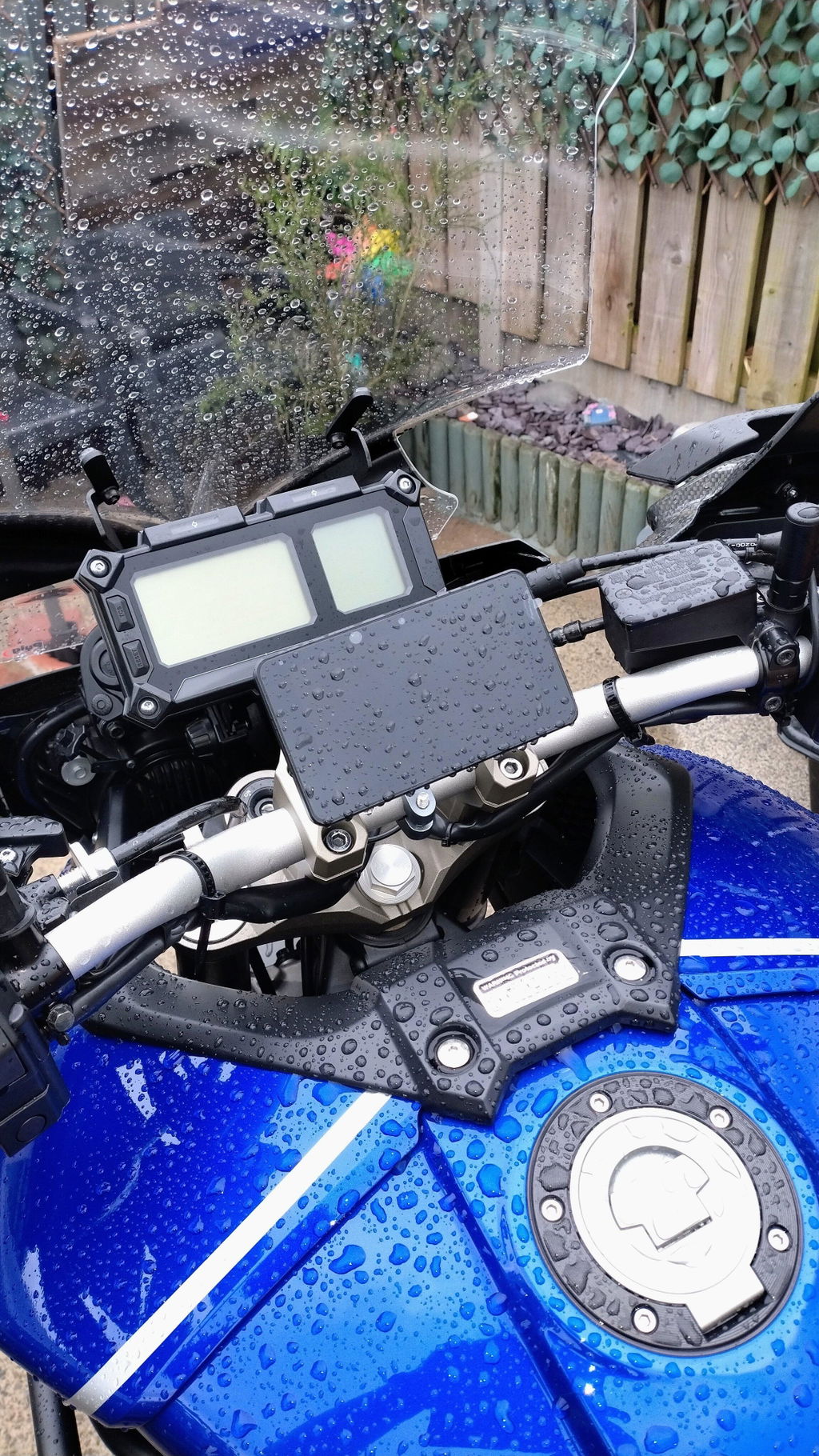
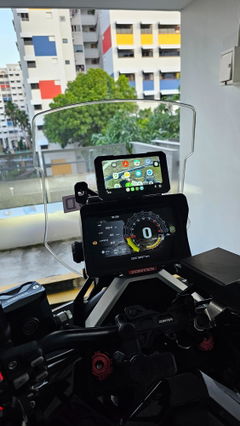
C3 Pro and C3 Plus B share the same IP67 rating for rain and road spray. The photo shows C3 Plus B installed in wet conditions.
Both models include a USB conversion cable and a 12 V ACC hardwire cable. The USB cable accepts 5 V input and delivers 12 V / 1.5 A output; use the ACC cable for a permanent motorcycle installation.

Use the included USB conversion cable with a 5 V source; it supplies 12 V / 1.5 A to the display. For a permanent installation, use the included 12 V ACC hardwire cable.
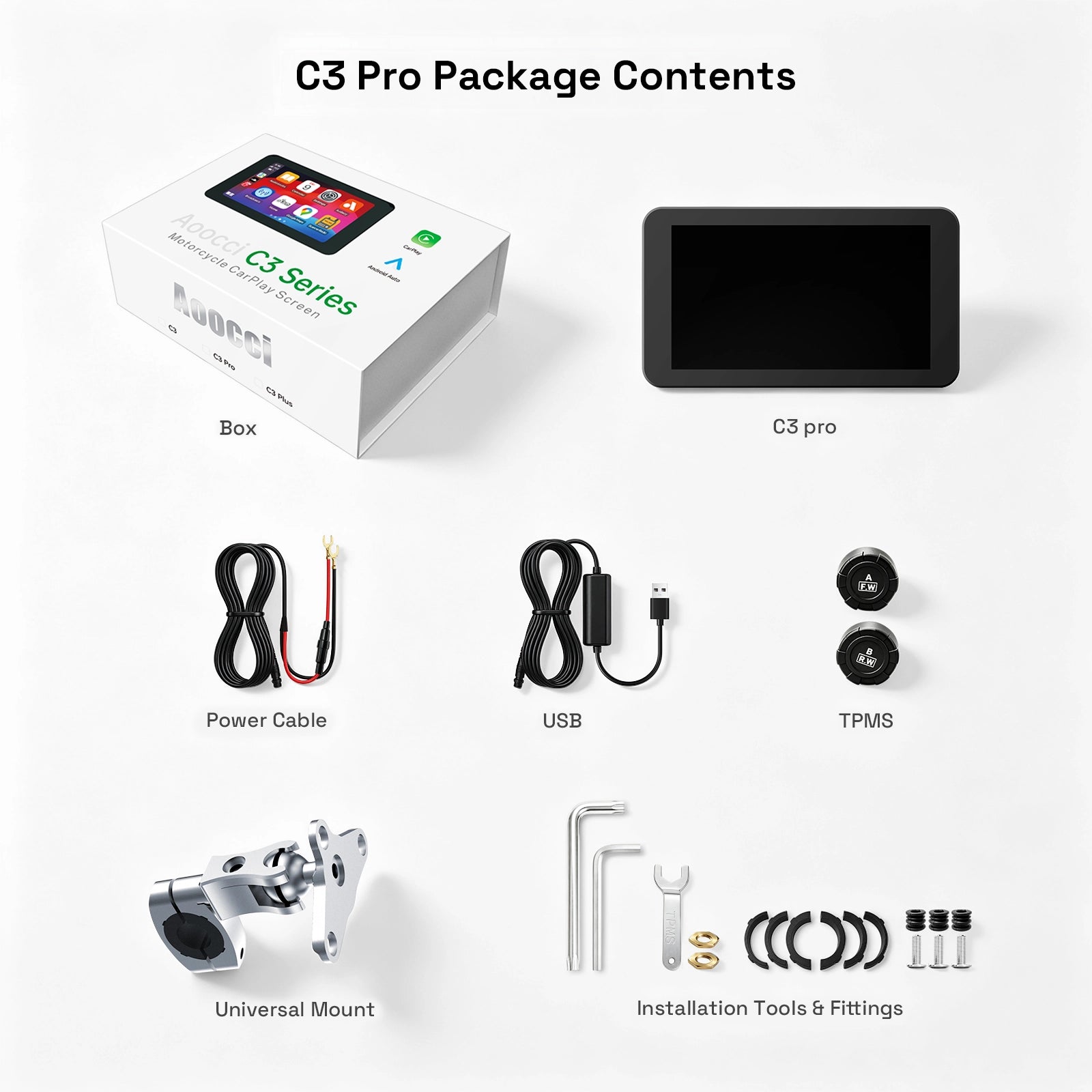
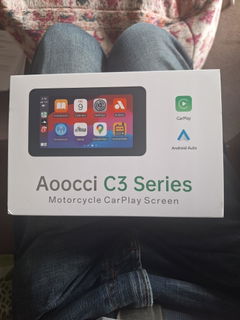
The pictured C3 Pro With TPMS package includes both power cables, TPMS sensors, and CNC metal mounting hardware.
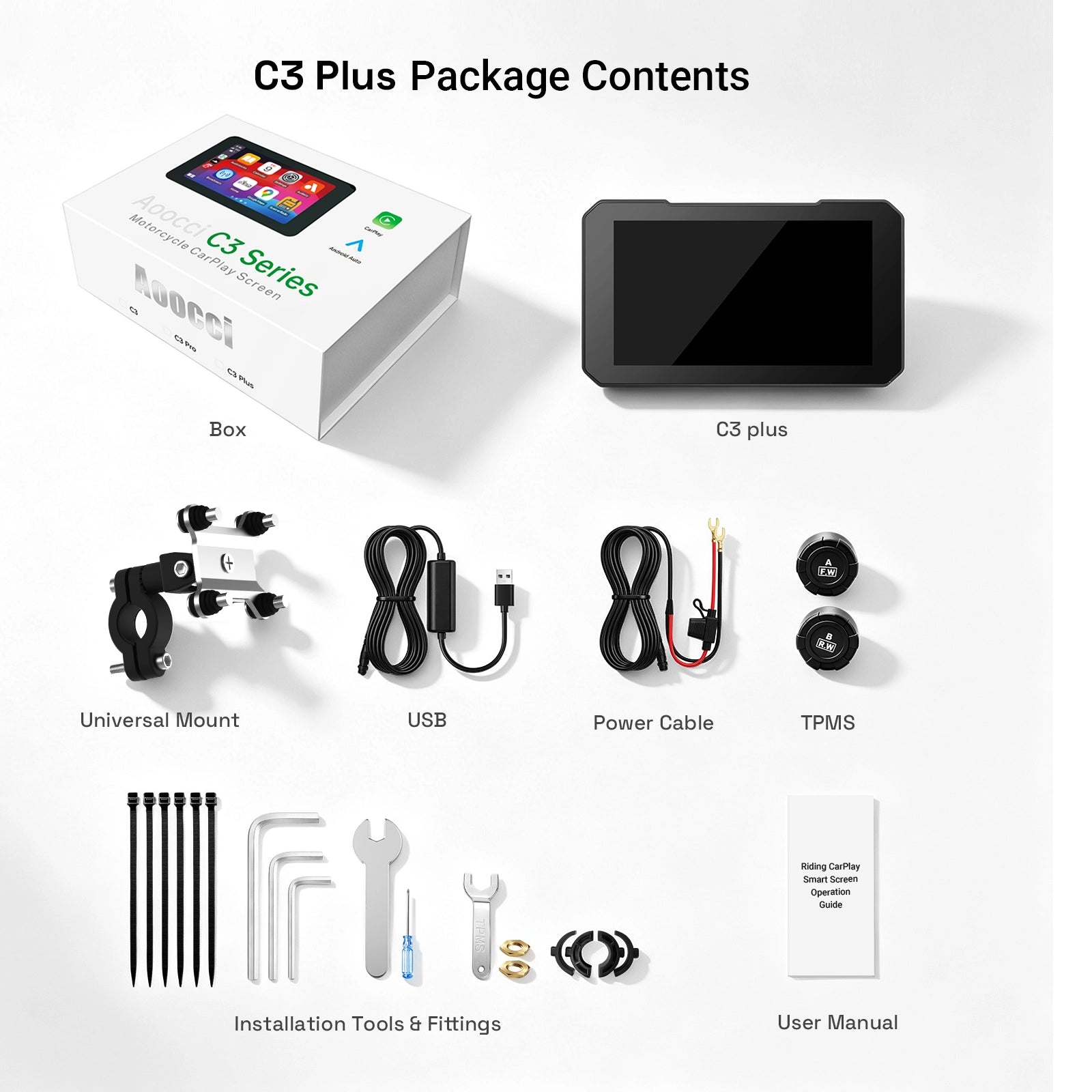
The pictured C3 Plus B With TPMS package includes both power cables, TPMS sensors, and installation hardware.
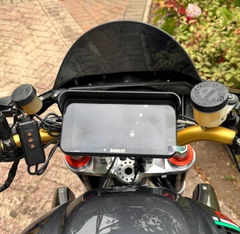
Measure the bar at the intended mounting point. Use the model-specific ranges below to confirm fit; the installed views show how each bracket connects on a motorcycle.

Compare the diameter at the planned mounting point with the supported range for the model you want.

The photo shows the C3 Pro CNC metal bracket body and mounting connection on a motorcycle.

The photo shows the C3 Plus B bracket and mounting connection on a motorcycle.
| Screen Size | 5.0 in |
|---|---|
| Resolution | 854 × 480 |
| Phone Projection | Wireless CarPlay / Android Auto |
| Wireless Connectivity | Wi-Fi + Bluetooth |
| TPMS Options | With TPMS and Without TPMS variants for both models |
| TPMS Display | With TPMS variants: tire pressure and temperature with adjustable warnings |
| Power Options | USB conversion cable: 5 V input, 12 V / 1.5 A output ACC hardwire cable: 12 V ACC input Both included |
| Protection | IP67 |
| Brightness |
C3 Pro: 760 nit C3 Plus B: 800 nit |
|---|---|
| Dimensions |
C3 Pro: 5.51 in × 3.15 in × 0.79 in C3 Plus B: 5.39 in × 3.15 in × 0.83 in |
| Weight |
C3 Pro: 0.17 kg C3 Plus B: 0.18 kg |
| Handlebar Fit |
C3 Pro: 16–28 mm (0.63–1.10 in) C3 Plus B: 10–25 mm (0.39–0.98 in) |
Direct answers for riders comparing the compact C3 Pro and C3 Plus B wireless motorcycle displays.
Yes. C3 Pro and C3 Plus B support wireless Apple CarPlay and Android Auto on a compact 5.0 in motorcycle display.
Choose by brightness, bracket design, and mounting range. Both use an 854 × 480 display. C3 Pro pairs 760 nit brightness and full lamination with a CNC metal bracket body, while C3 Plus B has an 800 nit display and supports a smaller 10 mm minimum handlebar diameter. Both are available with or without TPMS and include two power cables.
Yes. Both models are offered in With TPMS and Without TPMS variants. Choose a With TPMS variant for front and rear tire pressure and temperature with adjustable warning settings.
You can use the USB conversion cable or hardwire the display through 12 V ACC. The USB cable accepts 5 V input and delivers 12 V / 1.5 A output. Both cables are included; follow the supplied wiring guide for the ACC route.
No. Neither model includes or supports an optional handlebar controller.
Check your handlebar diameter before ordering. C3 Pro supports 16–28 mm (0.63–1.10 in), while C3 Plus B supports 10–25 mm (0.39–0.98 in).
Customers praised this motorcycle wireless touch screen for its excellent value, easy installation, and bright, responsive display. The device offers CarPlay/Android Auto connectivity, waterproof design, and works well with gloves. Most found it "easy to install" and appreciated the "clear screen." Some noted concerns about TPMS accuracy, screen brightness in sunlight, and mounting complexity.
This is the second Android Auto I ha e purchased. The first one was integrated into the bike so couldn't use on another bike so I was apprehensive as to how good this Aoocci C3 would be..the only thing concerned me was how bright the screen would be.I also purchased with it the special sun screen...needn't of worried the screen is clear and well displayed. Ive plugged it straight into the bikes USB C socket so would of been better if I didn't have to buy the adapter..price was good but after purchased i found I could acquire at a cheaper price but I am still happy 😀. I connect the unit through my phone to my Sena Smh5 and get constant directions as music if I wish..well made unit and never fails to start up..plug and play initially very easy..used the docking system provided which seems to work..customer service is very good 👍. Only took about 2 weeks to arrive fro. China with constant tracking..recommend this unit .very happy and it's reliable sofar .
Thank you so much for your detailed feedback and positive review! We’re glad the Aoocci C3 delivers clear screen performance and reliable operation for your motorcycle rides.
We take note of your suggestion regarding the USB‑C adapter. Hope it will keep serving you well on all your future trips. Feel free to reach out to our support team if you need any help later. Enjoy your riding!
Item easy to fix. Interface is nice. Easy to pair. Size is just nice. Works as what it supposed to be. Hope it can last and definitely a good investment if it is.
Hi Amin, thank you for your fantastic review! We're glad you're happy with the C3 5' Motorcycle Wireless Touch Screen and its performance. We hope it continues to serve you well for a long time. If you need any assistance in the future, feel free to reach out!
C3 pro szuper választás volt,teszi a dolgát
Köszönjük a pozitív értékelést! Örülünk, hogy a C3 Pro remek választásnak bizonyult és jól működik.
Ha bármilyen kérdése merül fel a használat során, nyugodtan lépjen kapcsolatba velünk. Kellemes utazást kívánunk!
Best Regards,
Aoocci team
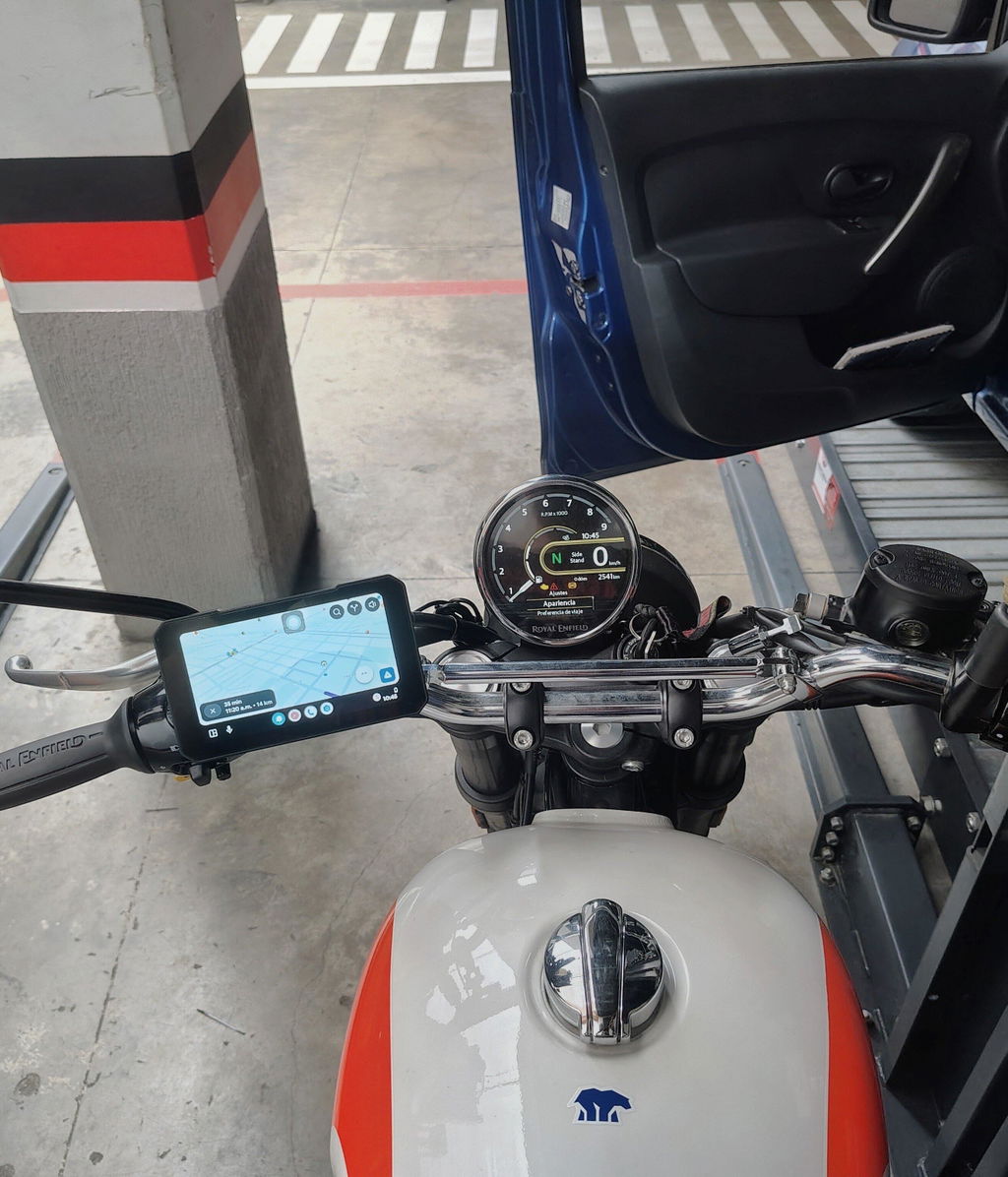
Lo compre e instale en una Royal Enfield Bear 650, es ogi este modelo por qué es compacto y se disimula bastante bien en la moto, me gustaría que al ir con el GPS se ocultaran los botones de abajo que sirven de atajo a las demás apps para optimizar el espacio al 100%. Satisfecho con la compra
Thank you very much for your positive review! We are delighted that this compact navigator fits perfectly with your Royal Enfield Bear 650. We fully understand your need for more screen space during navigation, and I will forward this suggestion to our R&D team. May this device accompany you on every ride, and wish you safe travels!
The unit performs very well. The screen could be a bit brighter but it is acceptable. Tyre pressure monitors work well but are not completely accurate but close enough. Excellent unit overall and very good value for money.
Thank you so much for your honest review 😊
We’re pleased to hear the unit works great overall and offers fantastic value for money.
We take note of your feedback that the screen brightness could be improved, as well as the slight deviation in tyre pressure readings, though they are sufficiently accurate for daily riding.
Your suggestions will be shared with our technical team for further optimisation.
Feel free to contact us anytime if you need assistance. Safe riding!️
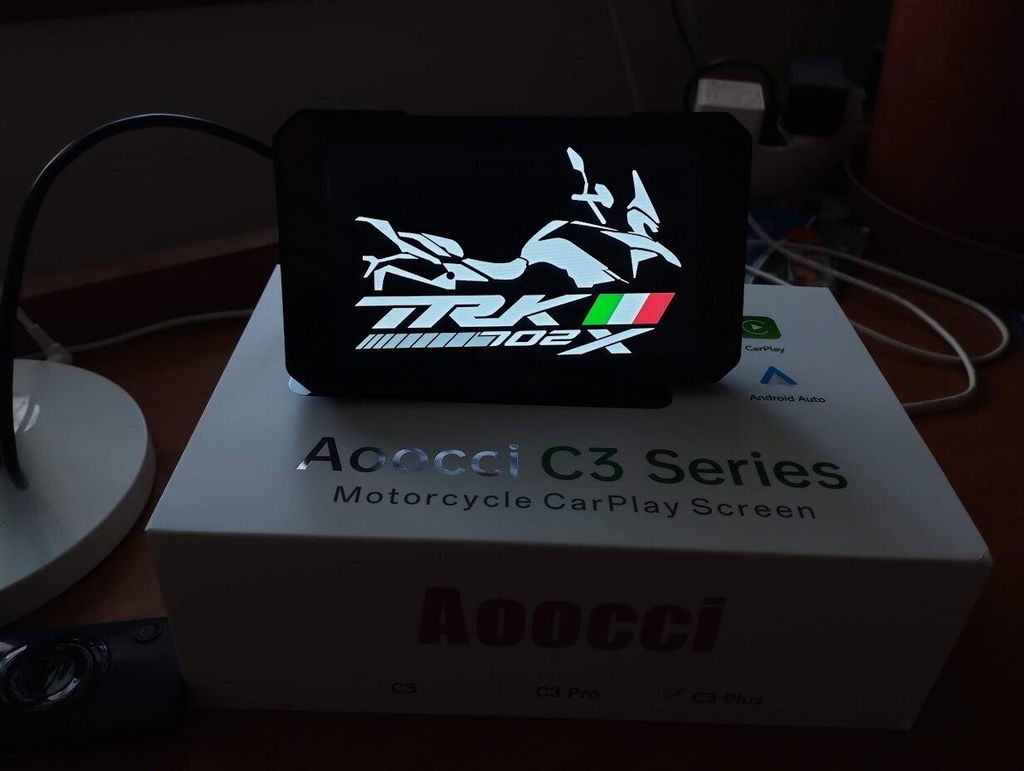
fatto....
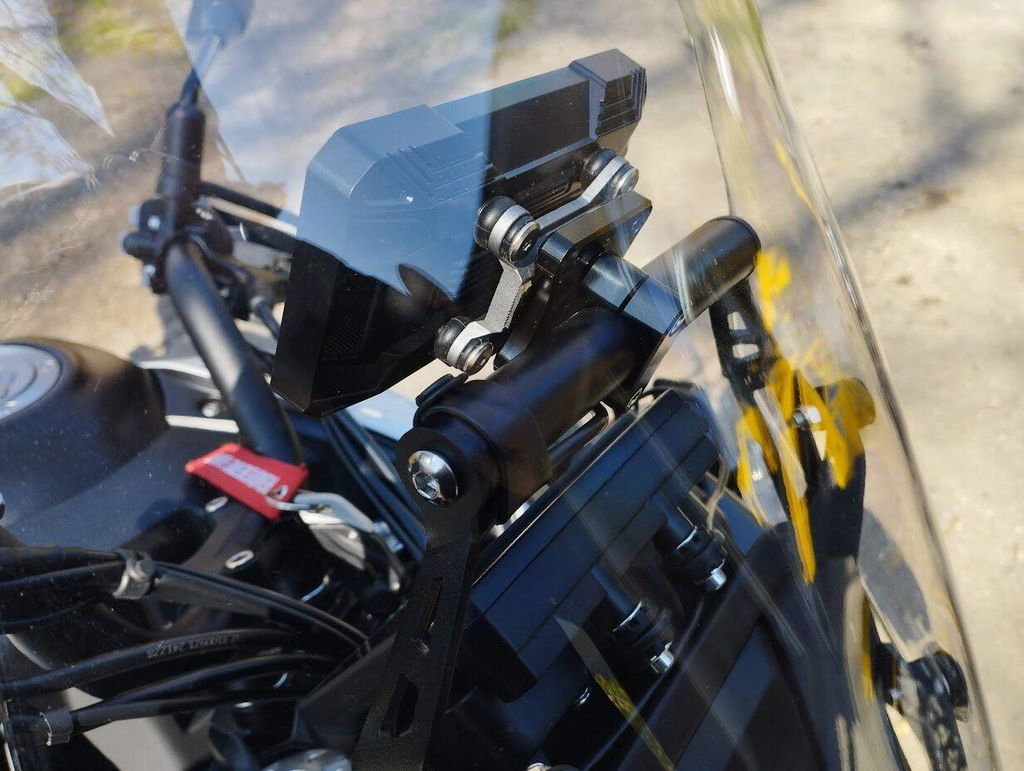
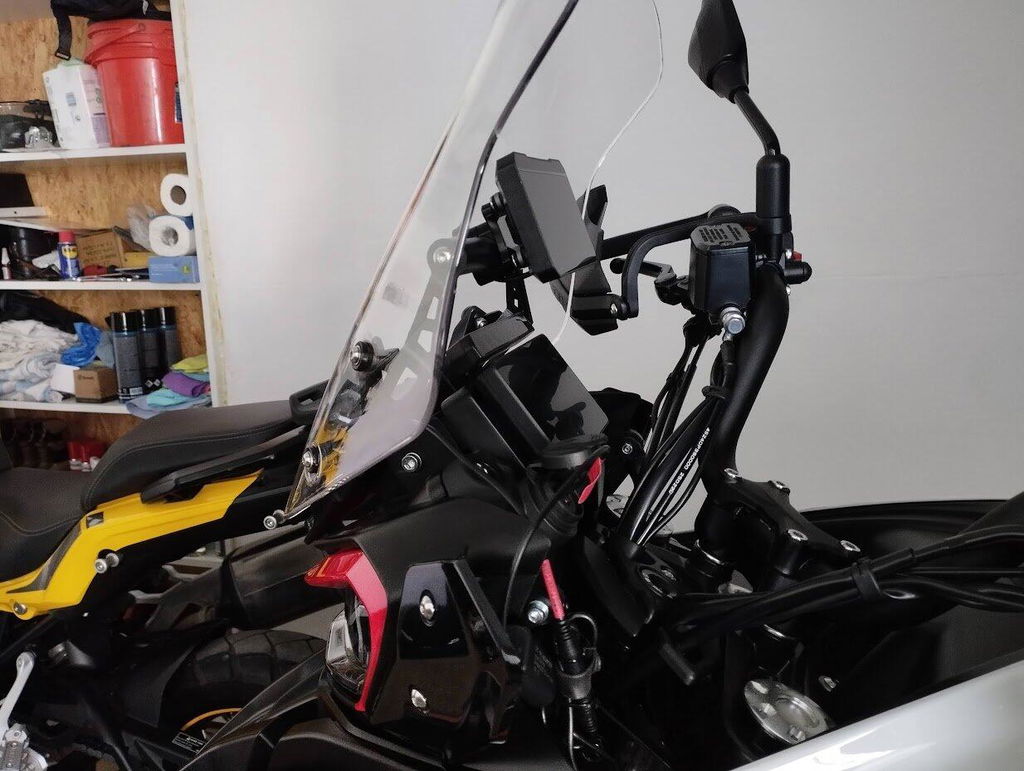
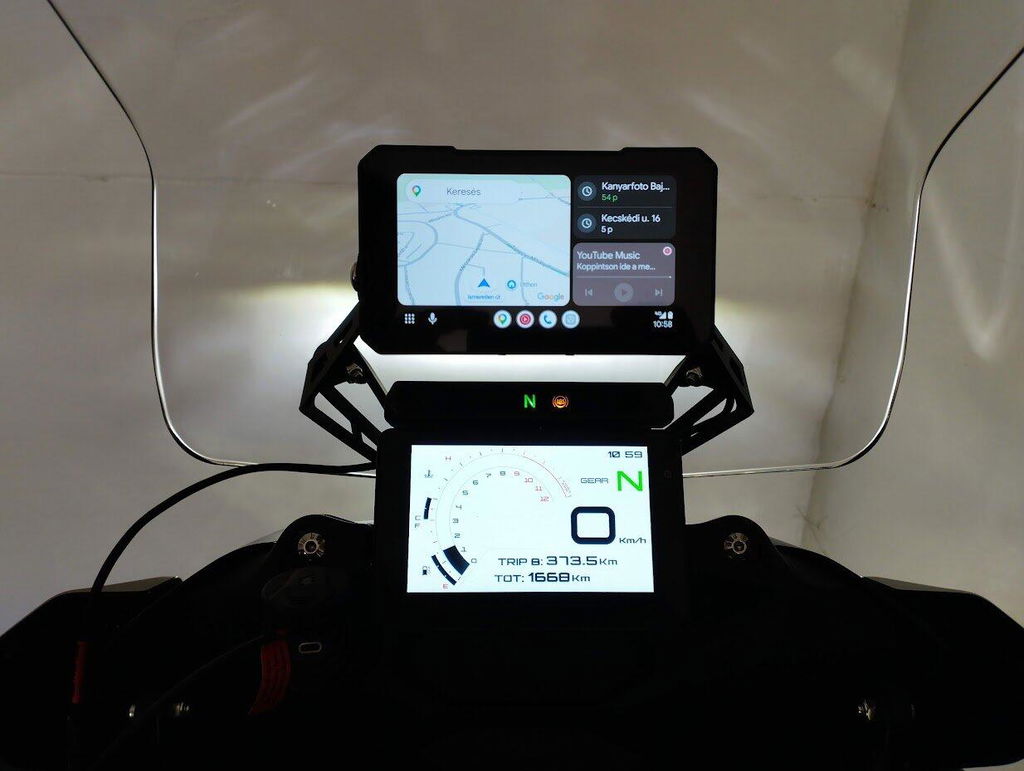
Grazie mille for your review and for sharing these fantastic photos! ️
Your bike looks absolutely stunning, and we're honored that our screen is now part of your setup! It's always a pleasure to see our product installed and ready to hit the road on such a beautiful machine.
Wishing you many safe and enjoyable rides ahead. Buon viaggio! ✨
Best Regards,
Aoocci team
bought it last year during cristmas, i could say it is a good navigation and has great display, help me alot with the apple airplay. but the price seem increased compared to last year price.
Thank you so much for your long-term support and kind feedback since you purchased our unit last Christmas! We’re thrilled to hear the navigation display works well and Apple AirPlay brings you great convenience.
We truly understand your concern about the price adjustment. Due to rising raw material, logistics and production costs over the past year, we had to slightly adjust our pricing. Rest assured we keep optimizing product functions and releasing regular firmware updates to deliver better value for every user. We will continue improving our devices to offer a stable and smooth driving experience for you!
Great build quality, clear screen, zero lag, easy install, worth buying.
Thank you for your positive comment!
We are glad you are satisfied with the solid build, crisp display and smooth performance. It’s really simple to set up.
Happy riding and thank you for your support!
Pretty basic, but does everything I need and does it well . Super easy to hard wire and install. I've also been caught out in monsoon type rain and it survived so no worries with it being waterproof.
Thank you so much for taking the time to share your wonderful feedback! We're delighted to hear that the product meets your needs and that the hardwiring and installation process went smoothly for you. It's also great to know that it held up well through heavy monsoon-like rain — our team works hard to ensure our products are built to withstand all kinds of conditions, so your experience truly means a lot to us.
Should you ever need any assistance or have any questions in the future, please don't hesitate to reach out. We're always here to help.
Wishing you many safe and enjoyable rides ahead! ️✨
Best Regards,
AOOCCI team
The device works great. The wireless connection with the Android device is excellent, there are no interruptions. I am satisfied with its functions.The resolution is good. The brightness and color saturation of the display could be higher. It responds well to touches.
Thank you for your honest and detailed review!
We’re glad to hear the device works perfectly, with stable wireless connection, smooth touch response and great resolution.
We totally note your feedback about improving display brightness and color saturation, and we’ll pass this to our product team for optimization.
Really appreciate your valuable feedback and support! 😊
Fantastic product works as it should fast shipping
Thank you so much for your great review! 😊
We’re thrilled to hear the product works perfectly for you and happy you received your order with fast shipping. Really appreciate your support!
Overall, my experience with this display has been really good. The product has a premium feel, and the installation process was quite easy. While using it, the system runs smoothly without any major lag or performance issues. During rides, the connectivity and features work properly, making it reliable for daily use.
There are just a couple of small improvements that could make it even better. The display quality could be slightly enhanced, especially for better visibility in bright sunlight. Also, having an option for a memory card would add more flexibility and improve the overall usability.
Apart from these minor points, everything else is great. Considering its price range, the product performs really well, and I would definitely recommend it to anyone looking to upgrade their bike with a smart display.
Thank you so much for your detailed and thoughtful review! We're delighted to hear that you're enjoying the premium feel, easy installation, and smooth performance of the display, and that it has become a reliable part of your daily rides. ️
We also truly appreciate your constructive feedback regarding the display visibility in bright sunlight and the suggestion to add a memory card option. These are valuable insights, and we'll be sure to forward them to our product development team for consideration in future upgrades.
Your recommendation means a lot to us, and we're grateful to have riders like you supporting our journey. If you ever need anything, we're always here to help. Ride safe and enjoy! ️✨
Best Regards,
AOOCCI Team
Aoocci C3 Review – Good Value with a Few Compromises
The Aoocci C3 is a straightforward way to add CarPlay to a motorcycle without spending a fortune, and that really defines what this unit is about. It’s sensibly priced, so expectations need to be set accordingly.
In use, it does what you want it to do. Once paired, it connects quickly and gives you access to maps, music and calls without needing to handle your phone. That alone makes things feel safer and more practical on the bike.
The screen is a good size—clear enough for navigation without dominating the cockpit—and it works with gloves, which is essential in real-world riding. It’s also weatherproof, so you don’t have to worry about getting caught out in the rain.
There are a few areas where the compromises show, which is to be expected at this price point. The unit is permanently mounted, so you can’t remove it when leaving the bike, which feels like something that could be improved.
The USB setup is another weak spot. If you want to use it, you’re left managing over a metre of cable, which isn’t ideal on a bike where you’re trying to keep things tidy. A more integrated solution would have made a big difference.
Brightness is also part of the trade-off. In strong sunlight it can struggle slightly, but again, that reflects the price. A simple addition like a sun hood would have been a nice touch to help with visibility.
Overall, if you keep the cost in mind, the C3 makes a lot of sense. It doesn’t try to do everything—it just delivers the basics in a usable, practical way. As long as you go in with realistic expectations, it’s a solid bit of kit for the money.
Verdict: Good value, with understandable compromises
Thank you so much for taking the time to write such a thoughtful and balanced review! 🙌 We truly appreciate the detail you've put into sharing your experience — it's incredibly valuable not only for us but also for other riders looking to make an informed choice.
We're really glad to hear that the C3 has made your rides safer and more practical, and that features like the glove-friendly screen and weatherproof design have worked well for you in real-world conditions. ️✨
We also genuinely appreciate your honest feedback on the areas where compromises show — your comments on the mounting, USB cable setup, and brightness have been noted and will be shared with our R&D team as we continue to improve future products.
On the topic of the fixed mount — we'd love to share some good news! Our store now offers a Quick-Release Base, which is compatible with the C3 Plus and allows you to easily detach the unit when leaving your bike. It's a great solution for riders who want that extra flexibility and peace of mind. If you're interested, feel free to check it out on our store page — we'd be happy to answer any questions!
Thanks again for your support and honest feedback — it truly means a lot to us. Wishing you many safe and enjoyable rides ahead!
Best Regards,
AOOCCI Team
Excellent display for smaller motorbikes and scooters. Good price-performance ratio. The display is difficult to install (Honda PCX) but then it works reliably, even in bright sunlight.
It would probably require smaller frames around the display or increase the display to 5.5 - 6 inches and then it would be ideal for me.
Thank you for your review of our C3 5 Motorcycle Wireless Touch Screen. We are glad to hear that you find it to be an excellent value for the price and that it has a good display for smaller motorbikes and scooters. We appreciate your feedback on the installation process and will take it into consideration for future improvements. Thank you for choosing our product and we hope it continues to meet your needs.
Very good build quality I love it Thank you
Thank you so much for your kind words! 😊 We're thrilled to hear you love it. Enjoy, and happy riding! ️
Baught the plus version a couple of days back and it's working great. The touchscreen's response and brightness is very good. And i did the installation myself which is also pretty easy to do. The TMPS modules are accurate to ±1 psi. Overall a great product. Delivery also took approx 12 days which is also good. Highly recommended.
Thank you so much for your wonderful review and detailed feedback!
We’re thrilled to hear that the Plus version is working great for you, especially the responsive touchscreen and accurate TPMS readings.
It’s great to know the installation was easy as well.
We truly appreciate your recommendation and support!
Best Regards,
AOOCCI Team
Tavaly vettem c3 készüléket év végén most kezdtem el használni tökéletesen teszi a dolgát.Régeben telefont használtam de sajnáltam hogy minden éri por,eső,napsütés,rázkódás.Ezt a készüléket pont emiatt vettem edig minden rendben vele,ajánlom mindenkinek aki egy egyszerű olcsó készüléket keres és elég a funkció amit tud.
Tipp:nem gyujtásra köttötem hanem az akksira kapcsolóval így nem zavar a gyujtás levételekor rádásakor a ki be kapcsolás, hanem én kapcsolom be ki elinduláskor megálláskor.
Köszönöm szépen a részletes visszajelzést és a bizalmat!
Örülünk, hogy az AOOCCI C3 teljesen megfelel az Ön igényeinek, és kiválóan viseli a motorkerékpár használatának nehéz körülményeit (por, eső, vibráció).
Nagyon hasznos a tippje a kapcsolásról az akkumulátorra, így tényleg sokkal praktikusabb a használat.
További élvezetes utazást kívánunk, és bármilyen kérdése van, bátran lépjen kapcsolatba velünk!
Üdvözlettel,
AOOCCI csapat