

Auto & Truck Support Hub
Firmware, manuals, and technical software for your Aoocci Automotive Series.
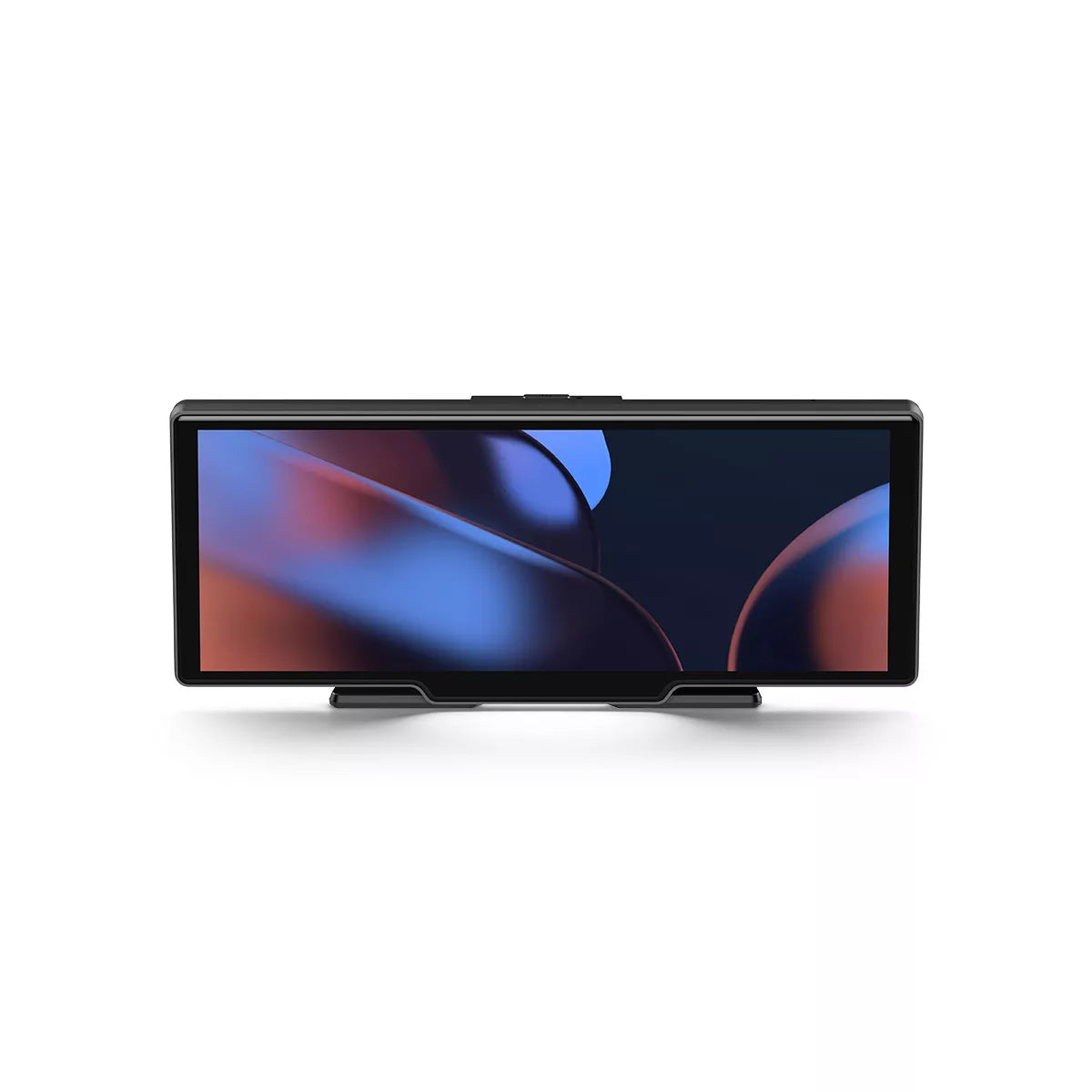
V30 Mirror Dash Cam
Installation & Upgrade Tools
⚠️ Important Note:
These resources apply ONLY to V30 devices purchased after December 18, 2025.
These resources apply ONLY to V30 devices purchased after December 18, 2025.
Required Tools:
- Software: Card Making Software
- Official Guide: Upgrade Instructions (PDF)
Technical Support FAQ
How do I get sound through the car speakers?
You have three options:
1. AUX Cable: Best quality.
2. FM Transmitter: Set the same frequency on the device and car radio.
3. Built-in Speaker: Deactivate FM/AUX in the menu.
Static noise during FM transmission?
Find a completely empty FM frequency on your car radio (only static) and set the V30 to exactly the same frequency.
Wireless CarPlay/Android Auto won't connect?
1. Enable Bluetooth and Wi-Fi on your phone.
2. "Forget" the device in Bluetooth settings and pair again.
3. Restart your phone and the V30.
Is 24V supported for trucks?
Yes, the included power adapter supports 12V-24V, making it suitable for cars, trucks, and RVs.