CarPlay Smart Box: prezentarea funcțiilor sistemului și tutorial

1. Meniu principal – apăsați pictograma mărcii auto

1.1 Main Menu - Press Car Brand Icon CarPlay Smart Box System Functions Introduction & Tutorial

1.1 Main Menu - Press Car Brand Icon CarPlay Smart Box System Functions Introduction & Tutorial

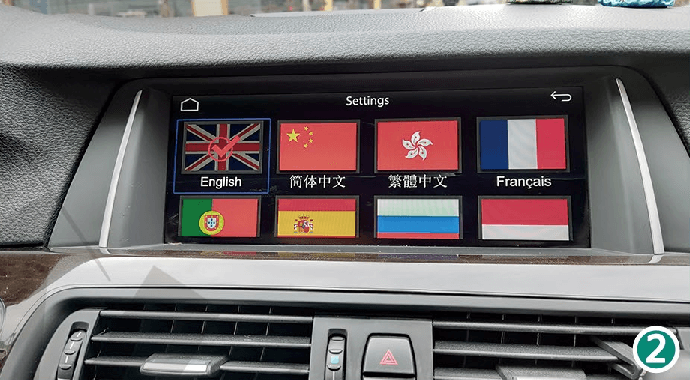
2. Limbă – 11 limbi diferite disponibile.
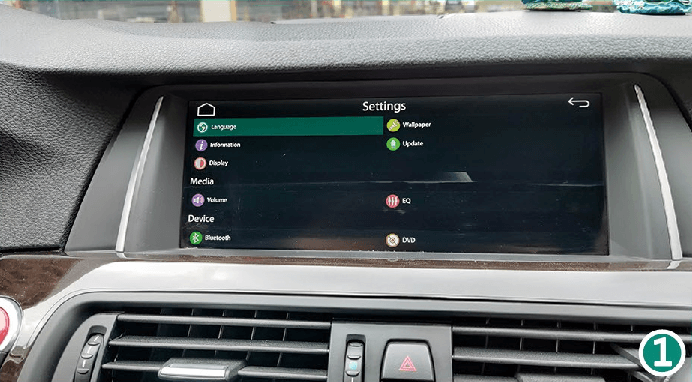
2.1 Language - 11 Different Languages For Option CarPlay Smart Box System Functions Introduction & Tutorial

2.1 Language - 11 Different Languages For Option CarPlay Smart Box System Functions Introduction & Tutorial

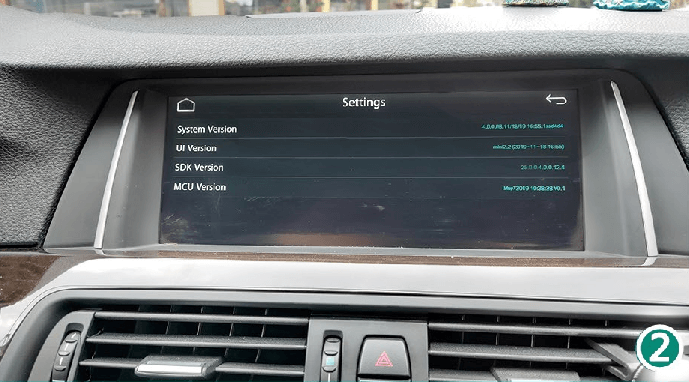
3. Informații – versiunea sistemului CarPlay Smart Box.
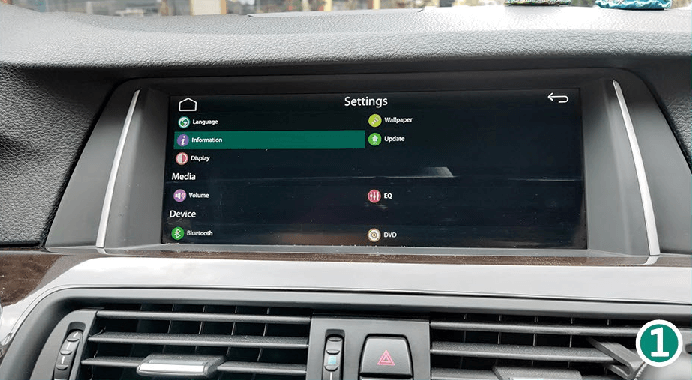
3.1 Information - CarPlay Smart Box System Version. CarPlay Smart Box System Functions Introduction & Tutorial

3.1 Information - CarPlay Smart Box System Version. CarPlay Smart Box System Functions Introduction & Tutorial

-

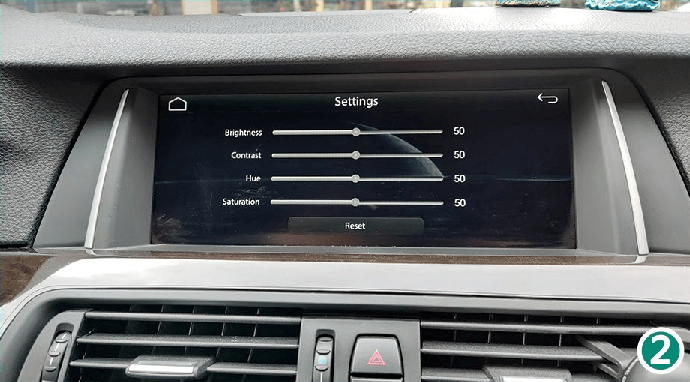
4. Ecran – setarea luminozității ecranului
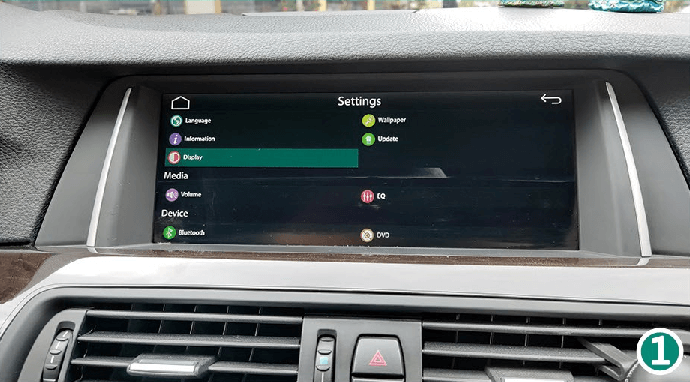
4.1 Display - Setting For Screen Brightness CarPlay Smart Box System Functions Introduction & Tutorial

4.1 Display - Setting For Screen Brightness CarPlay Smart Box System Functions Introduction & Tutorial

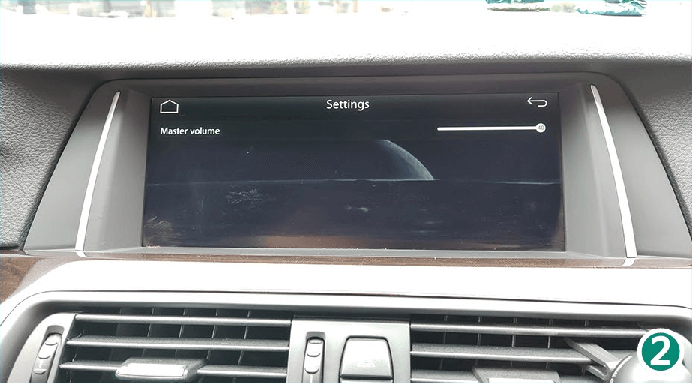
5. Volum – setarea volumului general al sistemului.
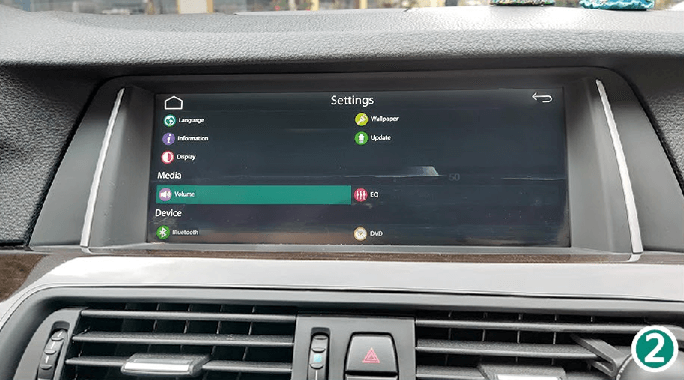
5.1 Volume - Setting For System Master Volume CarPlay Smart Box System Functions Introduction & Tutorial

5.1 Volume - Setting For System Master Volume CarPlay Smart Box System Functions Introduction & Tutorial

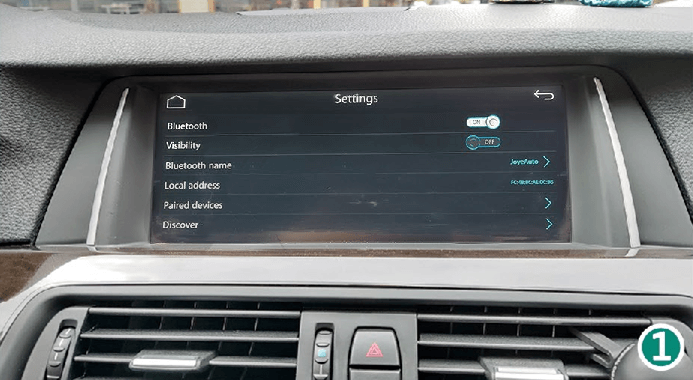
6. Bluetooth – asocierea pentru conexiunea wireless cu telefonul.
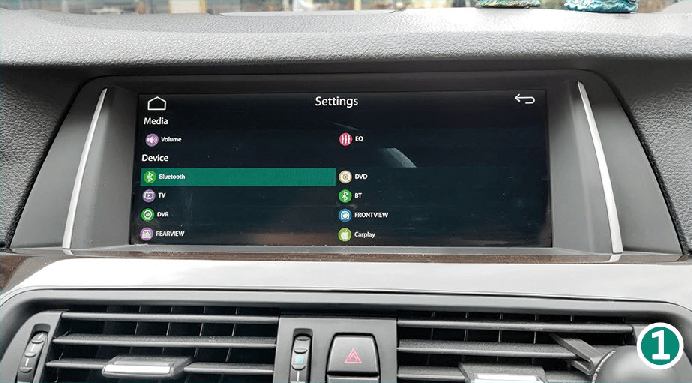
6.1 Bluetooth - Paring For Wireless Connection With The Phone CarPlay Smart Box System Functions Introduction & Tutorial

6.1 Bluetooth - Paring For Wireless Connection With The Phone CarPlay Smart Box System Functions Introduction & Tutorial

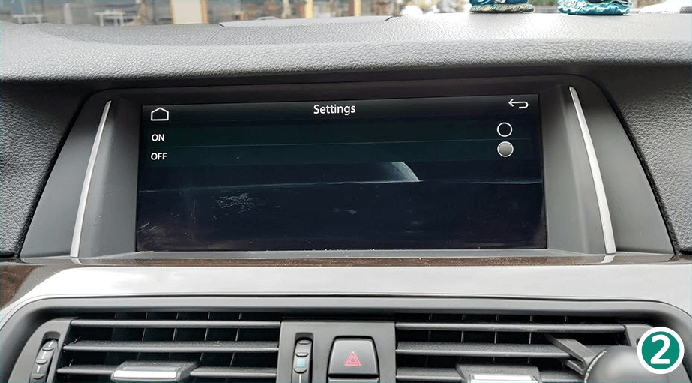
7. TV – pentru extindere viitoare. Lăsați OFF.
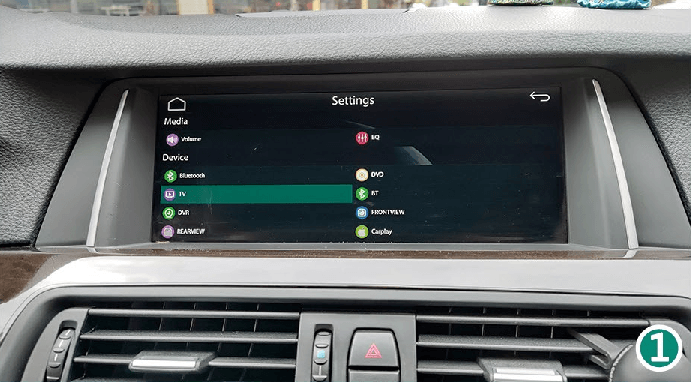
7.1 TV - For Future Extension. Turn It OFF CarPlay Smart Box System Functions Introduction & Tutorial

7.1 TV - For Future Extension. Turn It OFF CarPlay Smart Box System Functions Introduction & Tutorial

-

8. DVR – pentru extindere viitoare. Lăsați OFF.
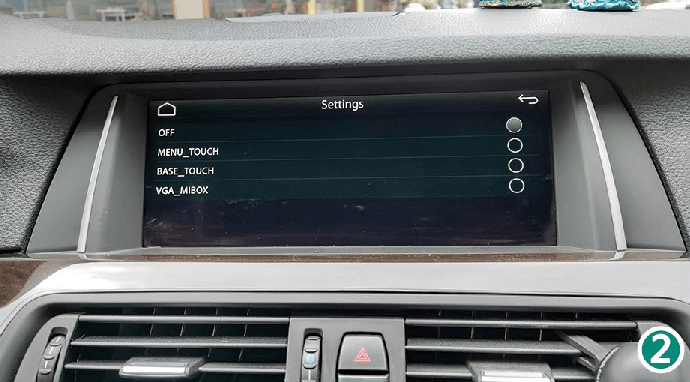
8.1 DVR - For Future Extension. Turn It OFF. CarPlay Smart Box System Functions Introduction & Tutorial

8.1 DVR - For Future Extension. Turn It OFF. CarPlay Smart Box System Functions Introduction & Tutorial

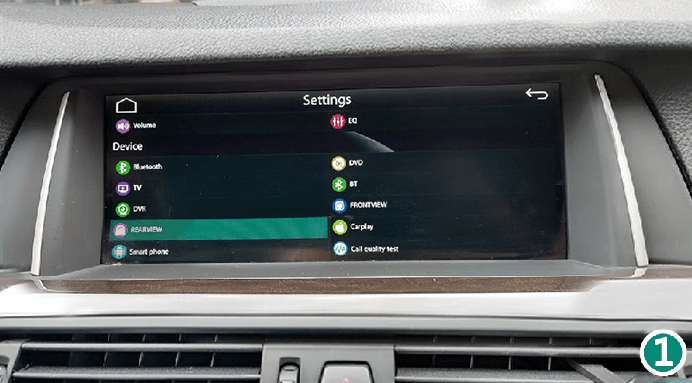
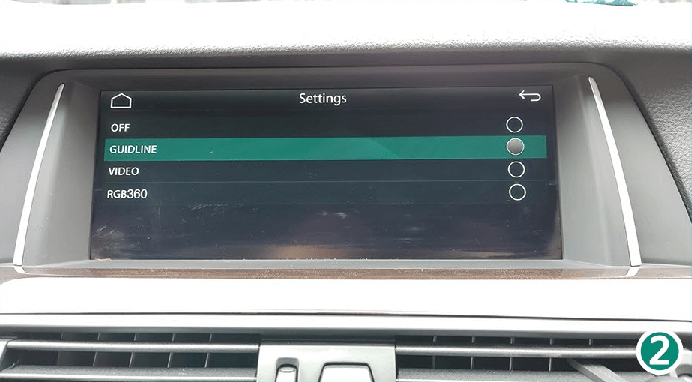
9. REARVIEW – selectarea liniilor de ghidare pentru camera aftermarket.

9.1 REARVIEW - Select Guidline For Aftermarket Camera. CarPlay Smart Box System Functions Introduction & Tutorial

9.1 REARVIEW - Select Guidline For Aftermarket Camera. CarPlay Smart Box System Functions Introduction & Tutorial

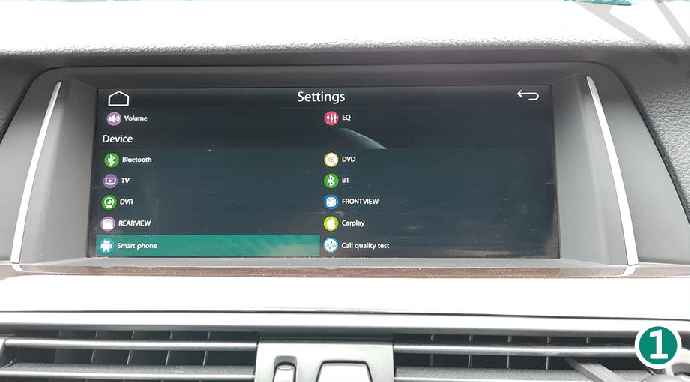
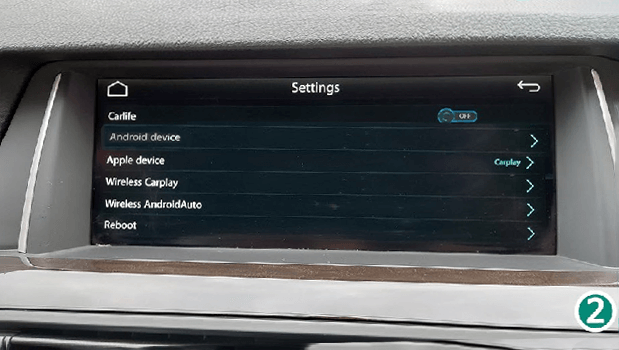
10. Smart Phone – pentru opțiunile funcțiilor și repornirea sistemului.

10.1 Smart Phone - For Functions Option And System Reboot. CarPlay Smart Box System Functions Introduction & Tutorial

10.1 Smart Phone - For Functions Option And System Reboot. CarPlay Smart Box System Functions Introduction & Tutorial

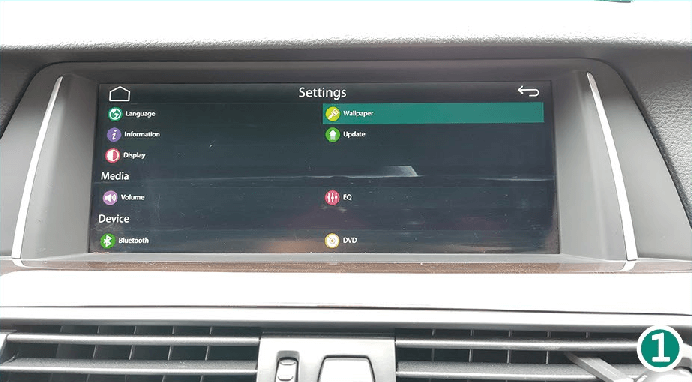
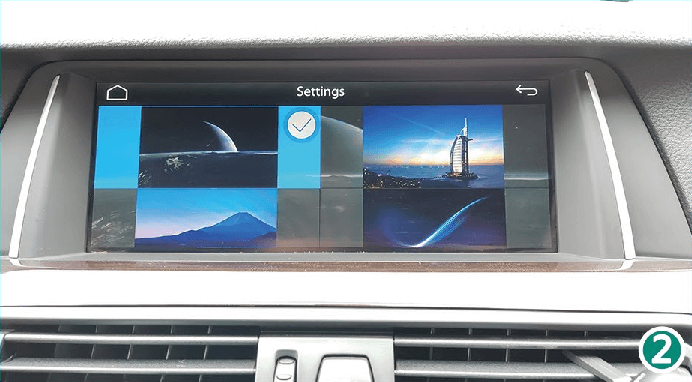
11. Wallpaper – setarea imaginii de fundal.

11.1 Wallpaper - Setting For Wallpaper Option. CarPlay Smart Box System Functions Introduction & Tutorial

11.1 Wallpaper - Setting For Wallpaper Option. CarPlay Smart Box System Functions Introduction & Tutorial

-

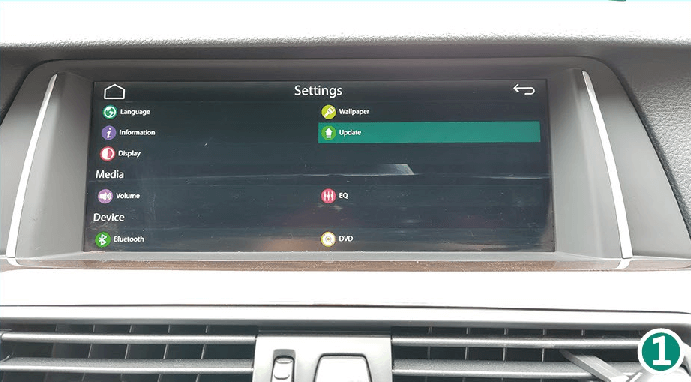
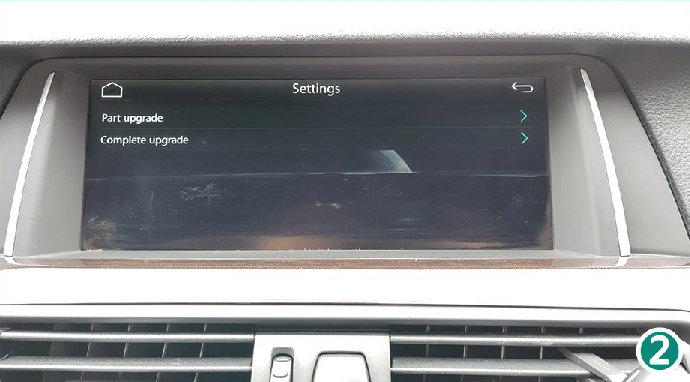
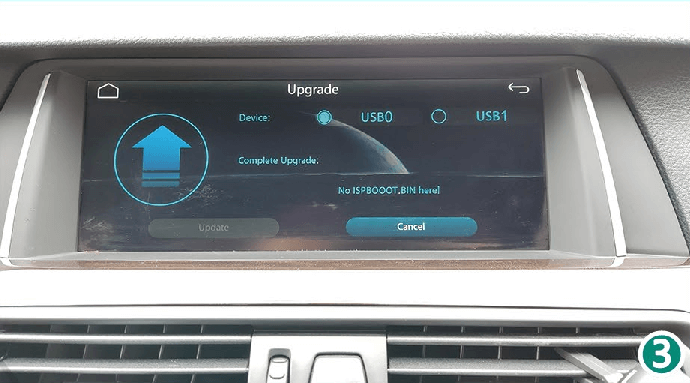
12. Update – pentru actualizarea sistemului CarPlay Smart Box.

12.1 Update - For CarPlay Smart Box System Upgrade. CarPlay Smart Box System Functions Introduction & Tutorial

12.1 Update - For CarPlay Smart Box System Upgrade. CarPlay Smart Box System Functions Introduction & Tutorial

12.1 Update - For CarPlay Smart Box System Upgrade. CarPlay Smart Box System Functions Introduction & Tutorial

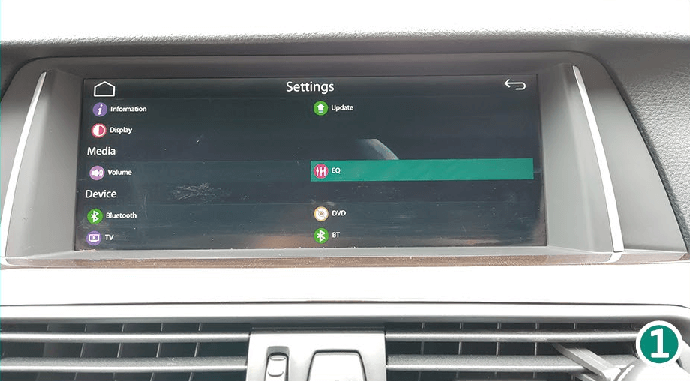
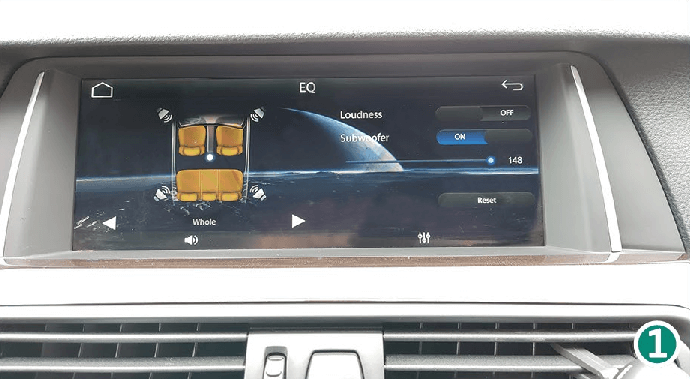
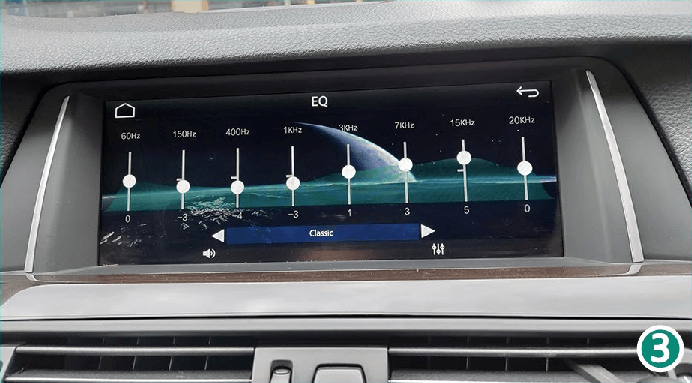
13. EQ – setarea calității audio pentru redarea media.

13.1 EQ - Audio Quality Setting For Media Play. CarPlay Smart Box System Functions Introduction & Tutorial

13.1 EQ - Audio Quality Setting For Media Play. CarPlay Smart Box System Functions Introduction & Tutorial

13.1 EQ - Audio Quality Setting For Media Play. CarPlay Smart Box System Functions Introduction & Tutorial

-

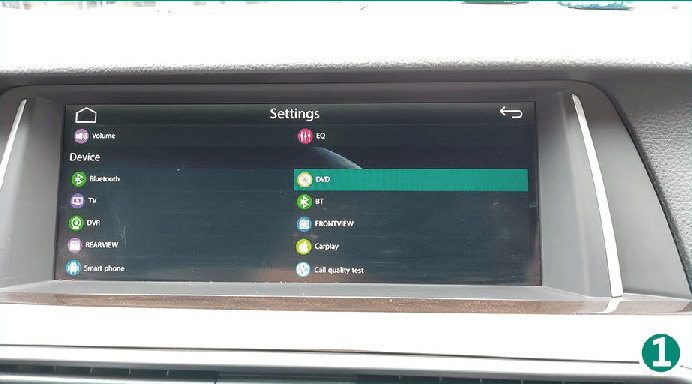
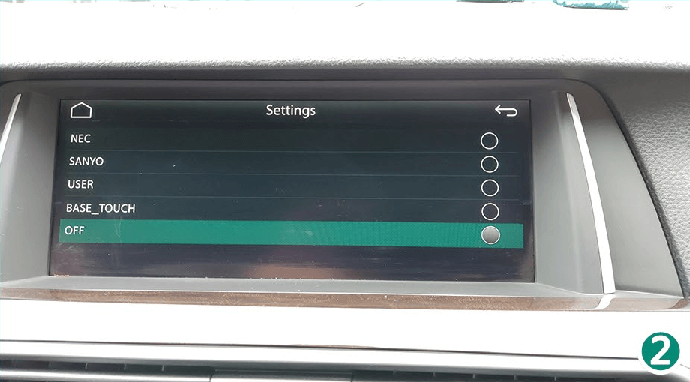
14. DVD – pentru extindere viitoare. Lăsați OFF.
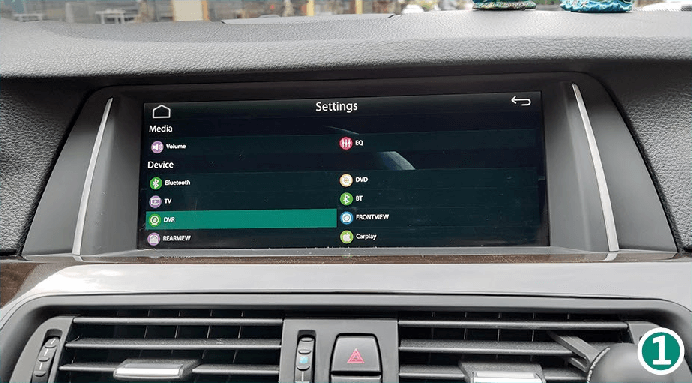
14.1 DVD - For Future Extension. CarPlay Smart Box System Functions Introduction & Tutorial.

14.1 DVD - For Future Extension. CarPlay Smart Box System Functions Introduction & Tutorial.


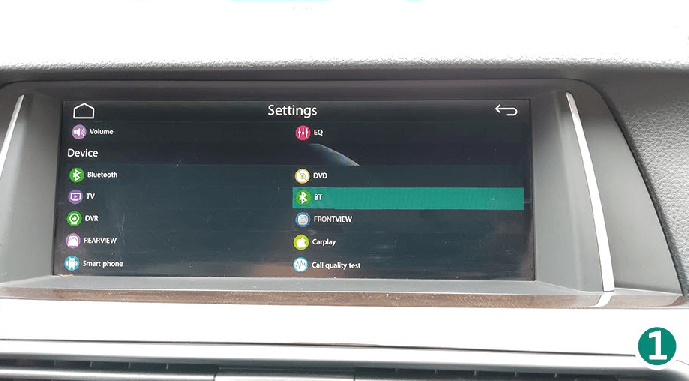
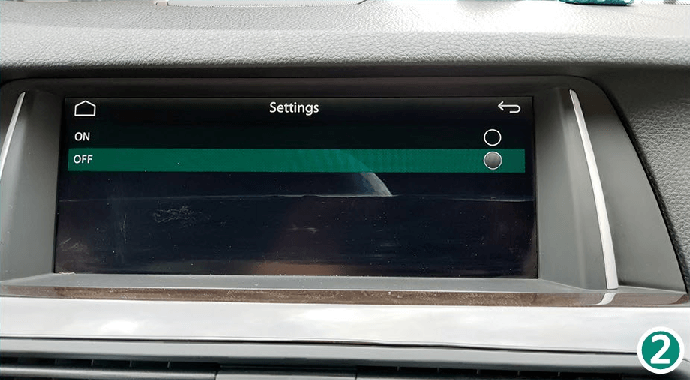
15. BT – fără funcție. Lăsați OFF.
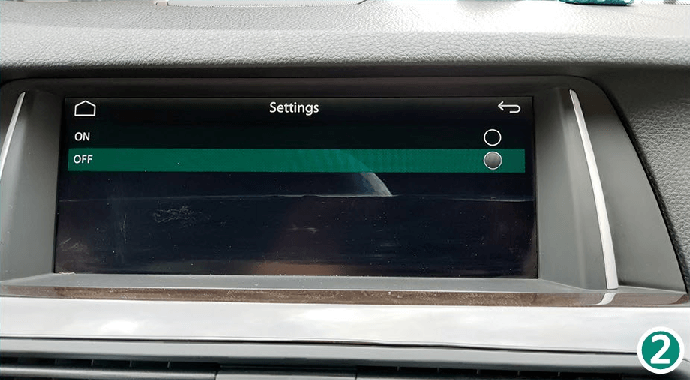
15.1 DVD - BT - No Function.CarPlay Smart Box System Functions Introduction & Tutorial

15.1 DVD - BT - No Function.CarPlay Smart Box System Functions Introduction & Tutorial

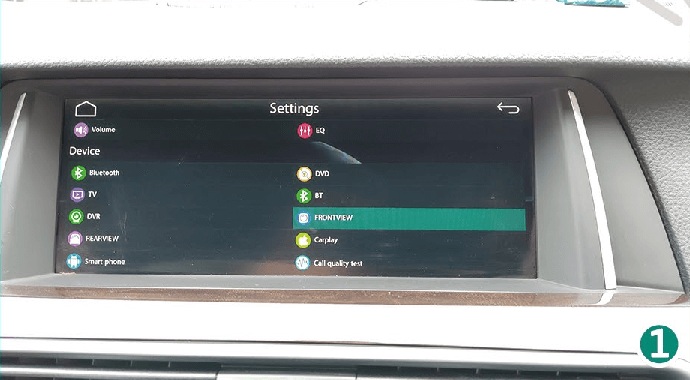
16. FRONTVIEW – lăsați OFF.

16.1 DVD - FRONTVIEW - CarPlay Smart Box System Functions Introduction & Tutorial

16.1 DVD - FRONTVIEW - CarPlay Smart Box System Functions Introduction & Tutorial

-

17. CarPlay – introduceți parola „1123”, selectați pictograma mărcii auto și meniul CarPlay RHD.

17.1 CarPlay - Enter Password 1123, Select Car Brand Icon And RHD CarPlay Menu. CarPlay Smart Box System Functions Introduction & Tutorial

17.1 CarPlay - Enter Password 1123, Select Car Brand Icon And RHD CarPlay Menu. CarPlay Smart Box System Functions Introduction & Tutorial

17.1 CarPlay - Enter Password 1123, Select Car Brand Icon And RHD CarPlay Menu. CarPlay Smart Box System Functions Introduction & Tutorial

18. Test calitate apel – setarea calității apelurilor telefonice.
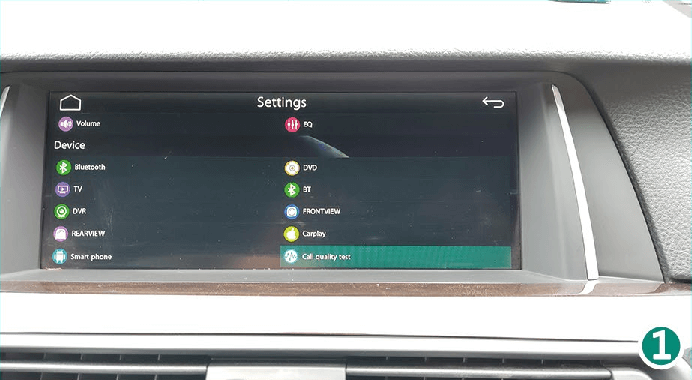
 18.1 Call Quality Test - Setting For Phone Call Quality. CarPlay Smart Box System Functions Introduction & Tutorial

 18.1 Call Quality Test - Setting For Phone Call Quality. CarPlay Smart Box System Functions Introduction & Tutorial